14
Installation
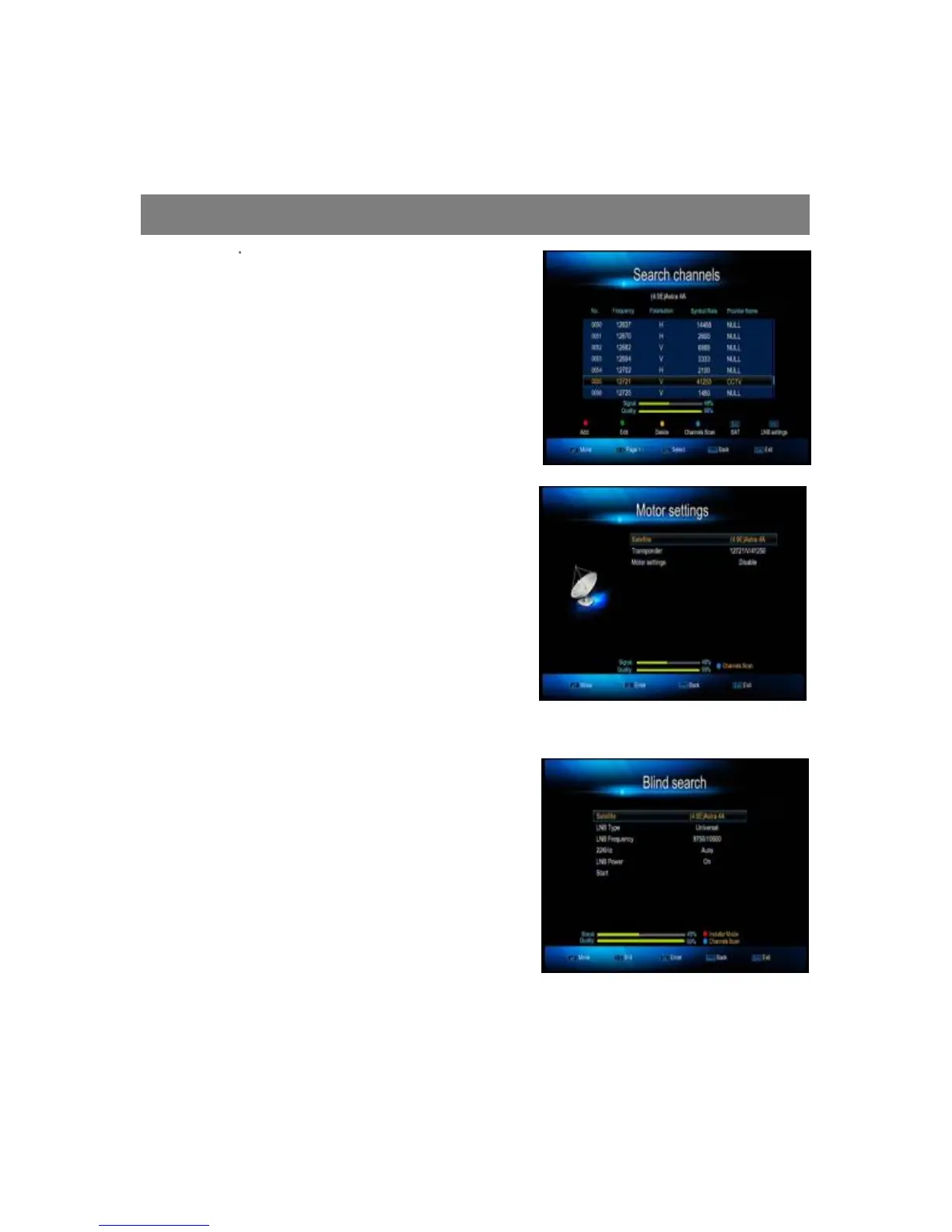
1.3 Search Channels
In this Menu, You can search channels
through Frequency, When choose the
Frequency, and then press” blue” button to
start search.
1.4 Motor Settings
To set up the auto satellite dishes (DiSEqC
1.2 system) and generate the position
system.
1.5 Blind Search
Enter this menu; choose satellite, LNB type,
And LNB Frequency, then press”OK” button
to start blind scan.
1.6 Fast Scan
You can search channels fast by different
provider’s base on fixed satellite and transponders.



 To Next Page