15
Channels management
2. Channels management
You can easily access to any TV and Radio programs by the variable functions
available from this STB, and enjoy your digital entertainment TV fun.
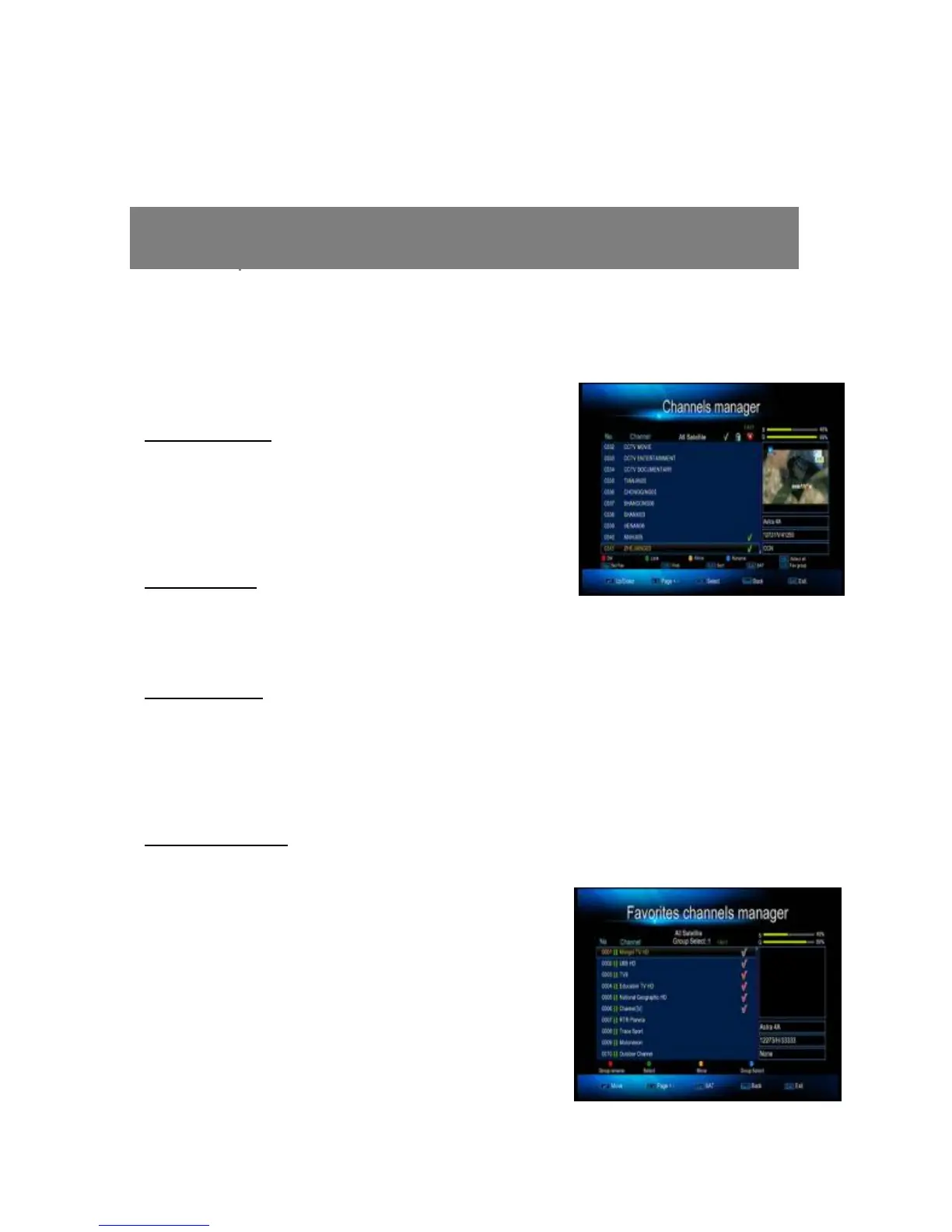
2.1 Channels Manager
Delete Channel
Press ok button to select the channel you wish to
delete, and then press Yellow red to delete the
selected channel from STB.
Lock Channel
Enter here, press green button you can lock the
current channels.
Move Channel
Press ok button to select the channel you wish to move, then press Green button
to pop-up Move-To menu and input channel numbers you wish to move, and press
OK button again to insert.
Rename Channel
Press blue button, then you can use the color buttons to rename, modify.
2.2 Favorites channel
The functions of Set Favorite enhance the
flexibility of operating huge amount of TV and
Radio Channels in your STB. Personalize it with
your own way of interests can increase the joy of



 To Next Page