16
Digital Entertainment.
Channels management
Set TV Favorite
There are total 15 groups of Favorite Sorting;
Press 1-15 number buttons to select Favorite group to mark the channel to related
Favorite (1-15) group, up/down buttons to change channels.
Set Radio Favorite
Operation procedure is same as Set TV
Favorite.
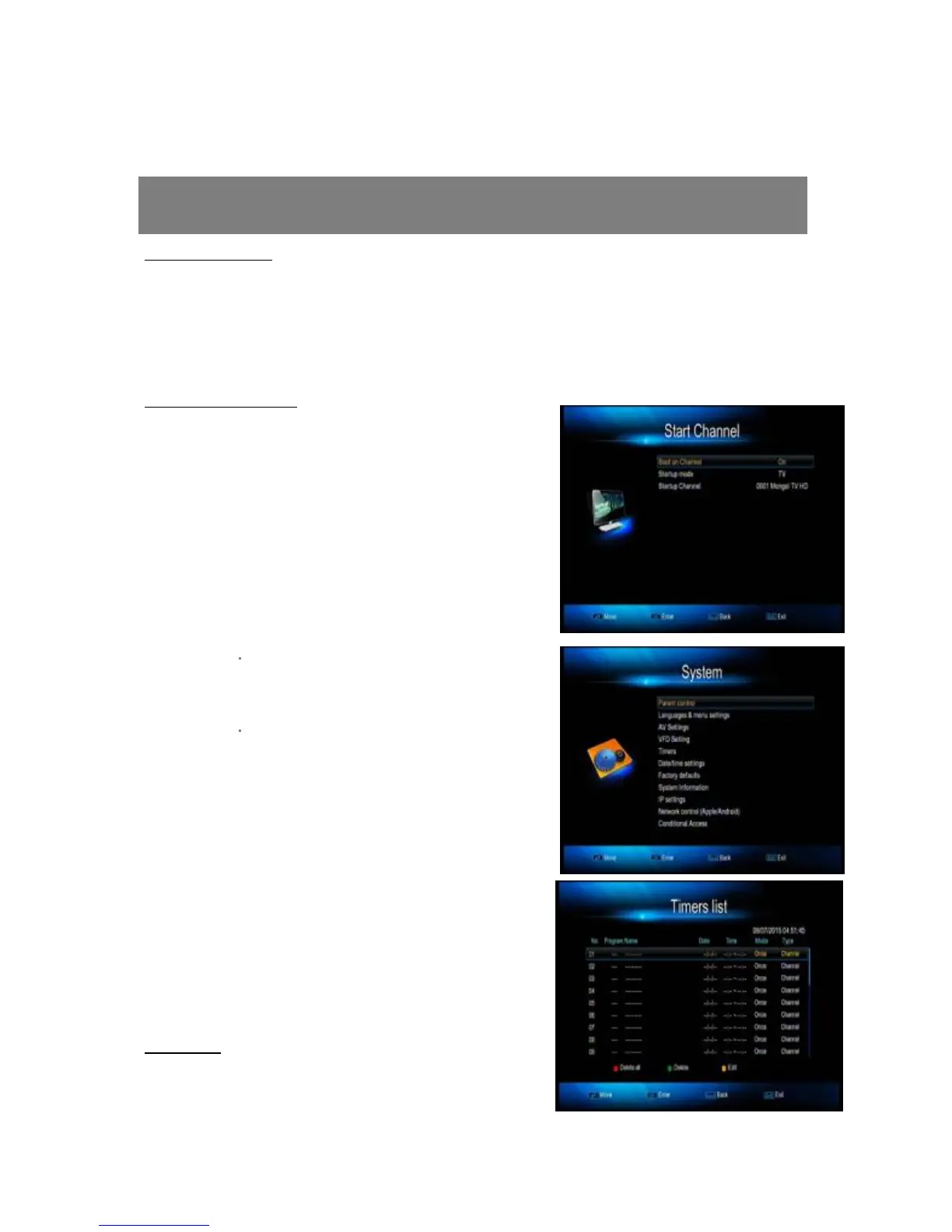
2.3 Start Channel
Enter this menu, you can setup channel which
you want to play, No matter what you play
before shut up, when you open will play what
you have set.
3. System (Parent control, language&menu
settings, Timers and Factory defaults)
Basic setting of the STB and USB functions.
3.1 Parent Control
To prevent the unauthorized accessing of your
STB, you can set the child lock password to
your receiver (Default password: 0000)
3.2 Timers
Delete all



 To Next Page