18
network, According to IP address you can find your STB,click it ,input the
password(which set in STB),into Remote function, can enter into long-distance
remote screen.
Note: Software or APK need install in client can download from online.
3.6 CA
Main menu->System->Conditional Access, If you have insert one CA card into
receiver, you will find its information in this menu, such as:Version,CA settings,
Card Info and so on.
4. MultiMedia
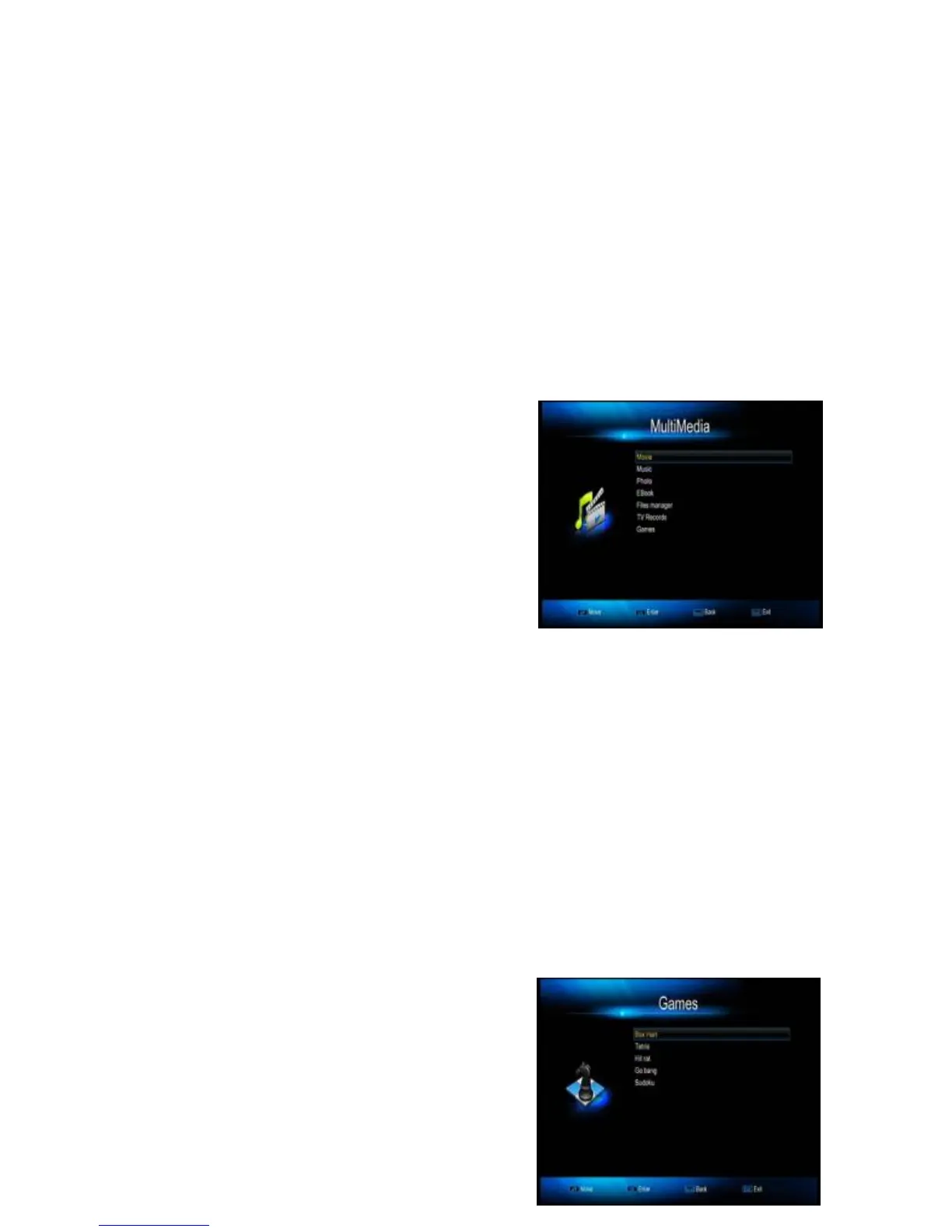
Enter MultiMedia, then you will find a lot of
Multi Medias in it, such as: Movie, Music,
photo, Ebook, Files manager, TV Records
and Games.
5 USB
Enter USB interface, then you will find PVR settings, Setting: save/Restore, FTP
Manager, UART RS232 upgrade menu, SSIPTV &VOD active.
5.1 USB Upgrade
Choose path to new software file, which is saved in USB disk device, select and
press “OK” to proceed
To set factory default should be the first thing to do after updating.
5.2 USB Remove
In full screen,and have USB connect to receiver ,please press three times for the
"Stop" key, then will POPUP the "Disconnect U-disk" for USB Safety Remove.
6. Games
This receiver contains five highly enjoyable
games, which you can get the joy while



 To Next Page