19
relaxing (Box Man,Teris,Hit Rat,Go Bang and Sudoku.).
7. Extra services
7.1 Network MediaPortal
Main menu->Extra services->Network MediaPortal, this menu is some internet
applications. Such as :YouTube,Super serial, Super Mv,Super Movie, Super Radio
and so on.
7.2 N32 Games
Main menu->Extra services->N32 Games, this menu provide an interface to
download games from internet.
7.3 DLNA
7.3.1 Connect to internet,enter Menu: Main Menu→Extra Services→DLNA→
DMP→choose which serviio servicer you want to access(Note this serviio servicer
need connect to internet too),after open file, then you can visit the shared
Multi-Media.
7.3.2 Serviio servicer
PC or mobile need install serviio servicer control board, then can set the sharing
file, then via Champ share function, can visit these shared Multi-Media files.
7.4 Google Maps
In this menu, select left toolbar menu to change different cities and map mode,
move the highlight to the “Begin” option and press [OK] button start to view the
map.
7.5 Gmail
Connect to internet,enter Menu: Main Menu→Extra Services→Gmail, input user
name and password, After login, you can use your Gmail.
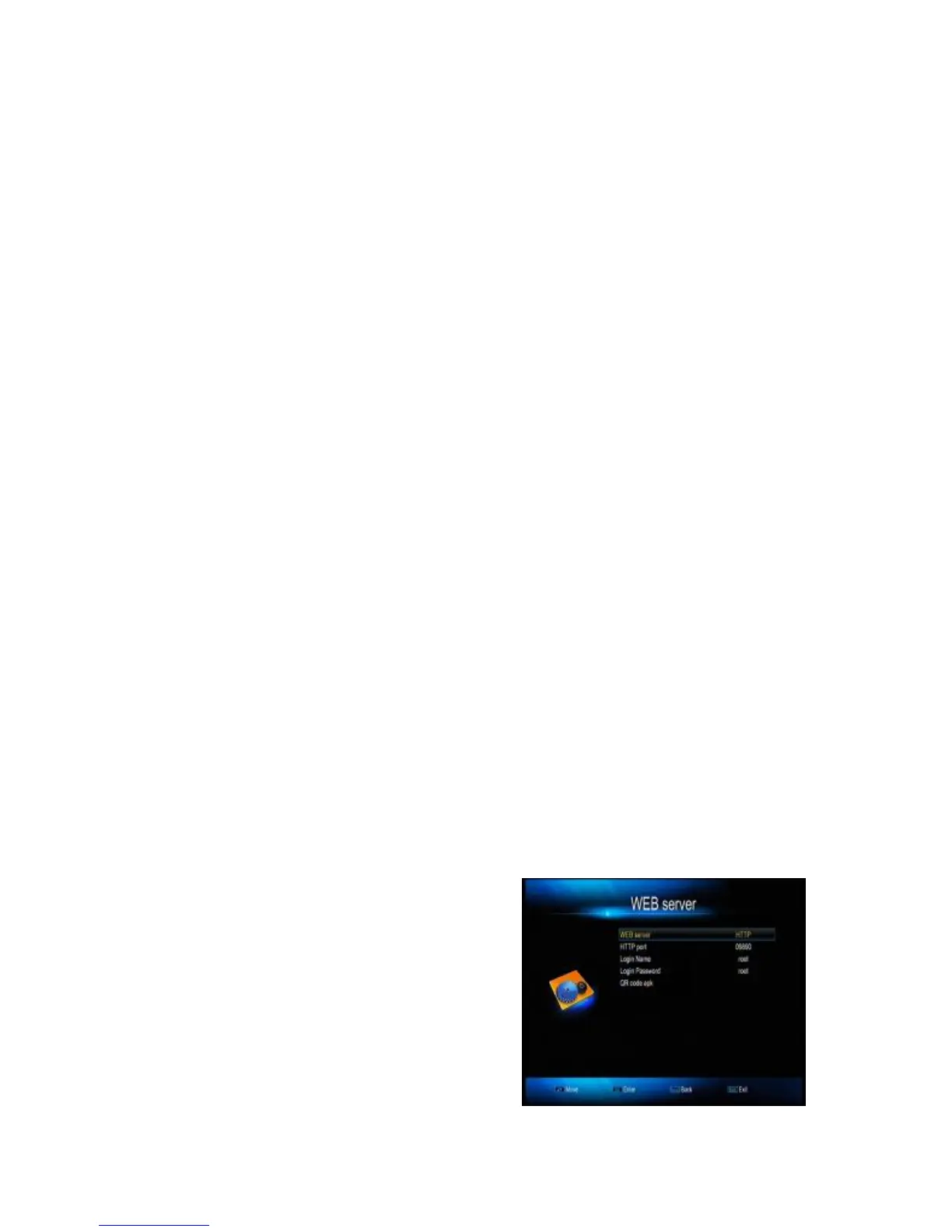
7.6WEB Server
First, please make sure the receiver and PC are in the same network. Then
connect receiver to network. Copy the
WebRemote file (decompressing files) to
U disk root directory, and connect U disk to
receiver. Then go to set, Main
Menu→System→IP settings→WEB server,
choose WEB server(HTTP、UDP、
Off),input all kinds parameters. For
example: choose WEB server to HTTP,
you can find the HTTP port: 09890, Login



 To Next Page