5
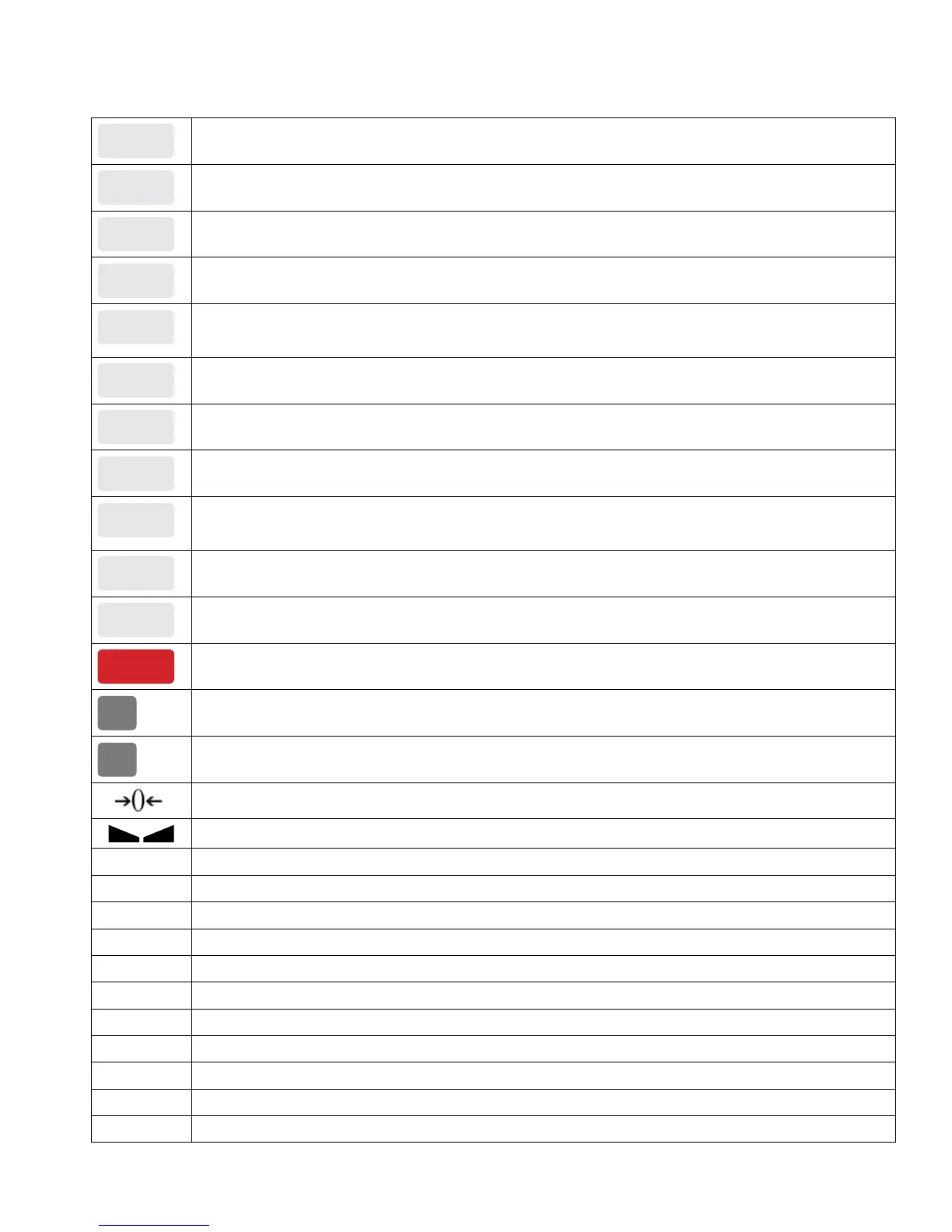
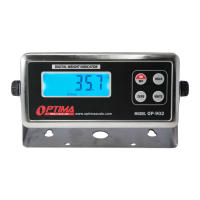
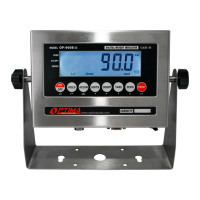
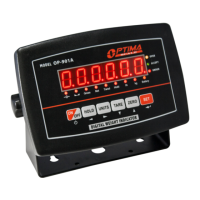
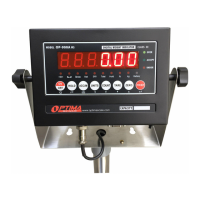
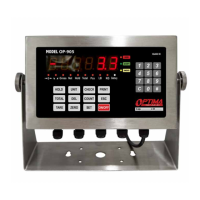
DISPLAY AND KEY DESCRIPTION
HOLD
Holds the weight on the scale Depending on the parameter setting
UNIT
Shifts between weighing units
CHECK
Checking the record by number
PRINT
Print the weighing data
TOTAL
In gross mode: get the tare weight
In net mode: clear the tare, get the Gross
DEL
Delete the previous weighing data and the saved record
COUNT
Use the scale to count product based on a sample weight
ESC
Back to weighing
TARE
1. Zero’s the scale. Used when using a container to hold objects
2. Clears the tare to see the gross weight
ZERO
Zero’s the scale
SET
Conrm the action
ON/OFF
Powers the Indicator On or Off if held for 2 seconds
C
Clear the input
#
Conrm the input
The scale is at zero
The scale is stable
Gross Shows you are in Gross weight mode (includes tare); default mode
Net Shows you are in Net weight mode (weight without tared weight)
Hold Shows you are in Hold mode
Total Shows you are in Accumulation mode
Pcs Shows you are in Counting mode
LB The weight is shown in pounds
KG The weight is shown in kilograms
Battery Flashes red = low battery, Solid red = charging, Green = fully charged
Over Flashes when weight is higher than set alarm parameter
Accept Flashes when weight is within the set alarm parameters
Under Flashes when weight is lower than set alarm parameter


 To Next Page