12
Function Parameter Settings/Options
Automatic
Power Off
C09
0 = turn off auto power off
10 = power off automatically if no change within 10 minutes
30 = power off automatically if no change within 30 minutes
60 = power off automatically if no change within 60 minutes
Power Saving Mode
C10
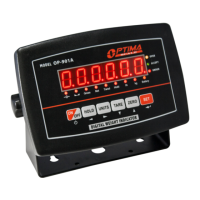
LED Version OP918A:
0 = turn off power saving setting
3 = turn off display if no change within 3 minutes
5 = turn off display if no change within 5 minutes
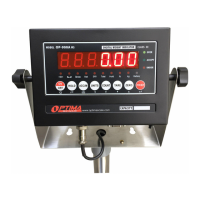
LCD Version OP918B:
0 = turn off the backlight
1 = backlight only when the weight changes or keyboard is pressed
2 = constant backlight
Hold Function
C11
0 = turn off hold function
1 = Peak hold - Grabs the highest weight
2 = Manual hold - Grabs the current weight
3 = Auto hold - Automatically holds data when stable
4 = Average hold - for animal weighing, averages the weight from a
sample of 3 seconds
Inner Code Display
C15
check the inner code (raw data)
Set Date
C16
Set date from left to right: year/month/day
Set Time
C17
Set the time from left to right: hour/minute/second
Manual
Zero Range
C20
0 = turn off manually zero setting
1 = ±1% max capacity
2 = ±2% max capacity
4 = ±4% max capacity
10 = ±10% max capacity
20 = ±20% max capacity
100 = ±100% max capacity
Initial Zero Range
C21
0 = no initial zero setting
1 = ±1% max capacity
2 = ±2% max capacity
5 = ±5% max capacity
10 = ±10% max capacity
20 = ±20% max capacity
100 = ±100% max capacity
Zero Tracking
C22
0= turn off zero tracking
0.5 = ±0.5d d = division
1.0 = ±1.0d
2.0 = ±2.0d
3.0 = ±3.0d
4.0 = ±4.0d
5.0 = ±5.0d
Note: the zero tracking range can not be bigger than manual zero
range
Zero Tracking Time
C23
0 = turn off zero tracking time
1 = 1 second
2 = 2 seconds
3 = 3 seconds
Overload Range
C24
00 = turn off overload range
01-99d = overload range setting d = division


 To Next Page