11
INDICATOR PARAMETER SETTINGS
The parameter settings menu has a calibration section (C01 to C07 explained above) and a
parameter settings section (C08 and up).
To enter calibration/parameter settings, follow the procedure below:
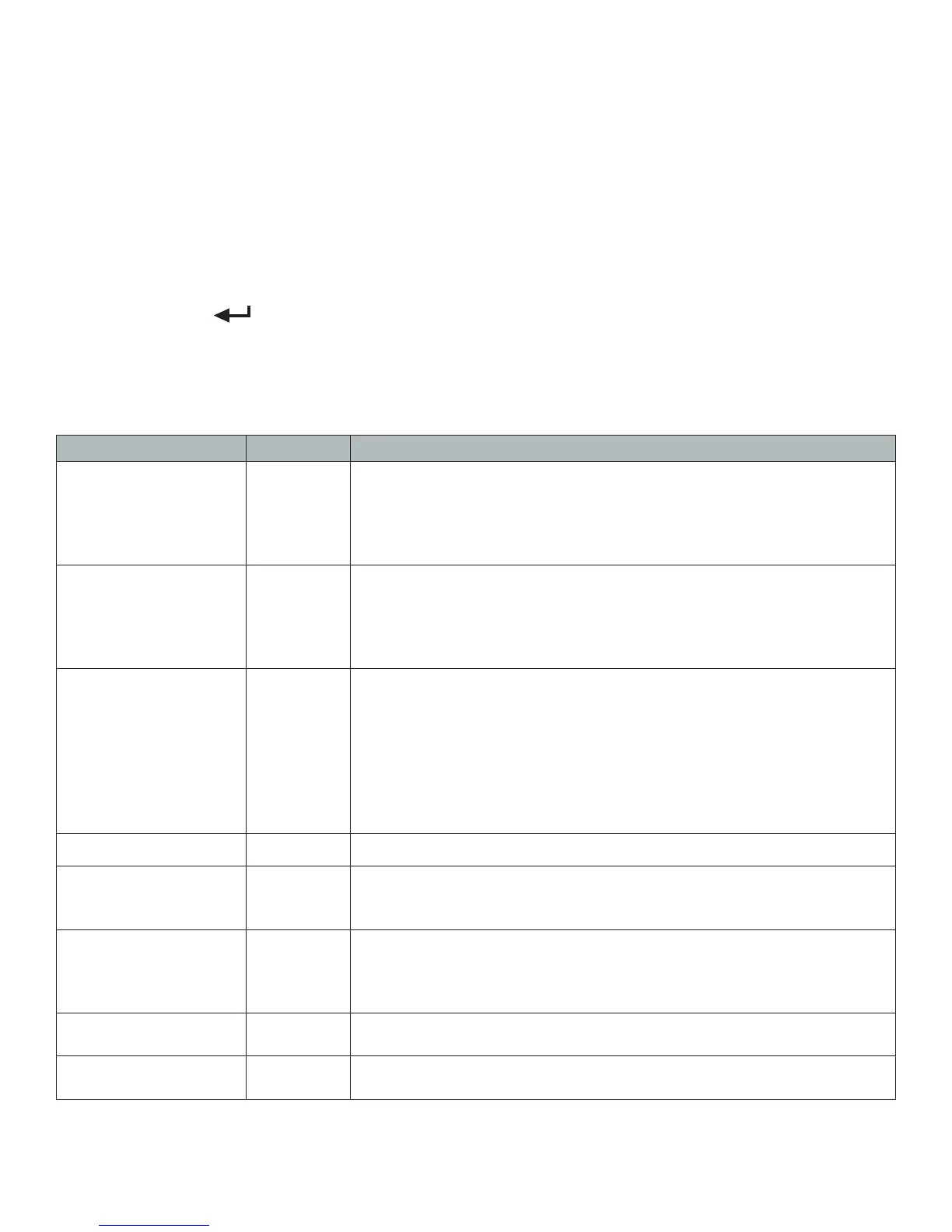
1. Press and hold the SET and ON/OFF key at the same time for 2 seconds
2. Navigate through the settings (C01 to C45) as shown in the table 4 below by using the arrow
keys and return keys as labeled under each indicator button
3. Press the SET key to enter/edit the parameter setting
4. Press the ON/OFF key to save and exit settings at any time
Parameter Settings
Function Parameter Settings/Options
Weighing Unit
C01
1 = kg
2 = lb
3 = gram
4 = oz
Note: for calibration only kg or lb are allowed
Decimal Setting
C02
0 = no decimal
1 = 0.0
2 = 0.00
3 = 0.000
4 = 0.0000
Division/
Graduation Setting
(readability of the least
signicant digit)
C03
options: 1/2/4/10/20/50
Example with no decimal places (ie. C02=0)
1 = 1 lb
2 = 2 lb
5 = 5 lb
10 = 10 lb
20 = 20 lb
50 = 50 lb
Maximum Capacity
C04
set max capacity ex. 100kg = 0100.00
Zero Calibration
C05
0 = zero calibration not needed
1 = set the zero calibration (Please ensure scale is empty and the
stable light is on)
Calibration
C06
0 = calibration not needed
1 = Ready to calibrate with one calibration weight
2 = Ready to calibrate using multiple calibration weights (Linear)
3 = Sensitivity Output
Restore Default
Settings
C07
0 = do not restore
1 = restore to default settings
Warning Tone
C08
0 = turn off warning tone
1 = turn on warning tone


 To Next Page