12
TROUBLESHOOTING
“ADL---” - the weight is under the set division
“ADH---” - the weight is over the set capacity, please remove all weight
“AD-OVER” - the weight is over the scale’s capacity, please remove all weight
from the scale immediately!
• Please check to see if the plate is in place properly and the scale is level
• If error persists please contact the dealer
When powering on if the display shows “Error Vol 500” before auto-checking,
the present voltage is 5.0V and the scale cannot be turned on.
• Charge the scale with the included charger and do not use until the
voltage reads 5.3V when you power on the scale
• If error persists please contact the dealer
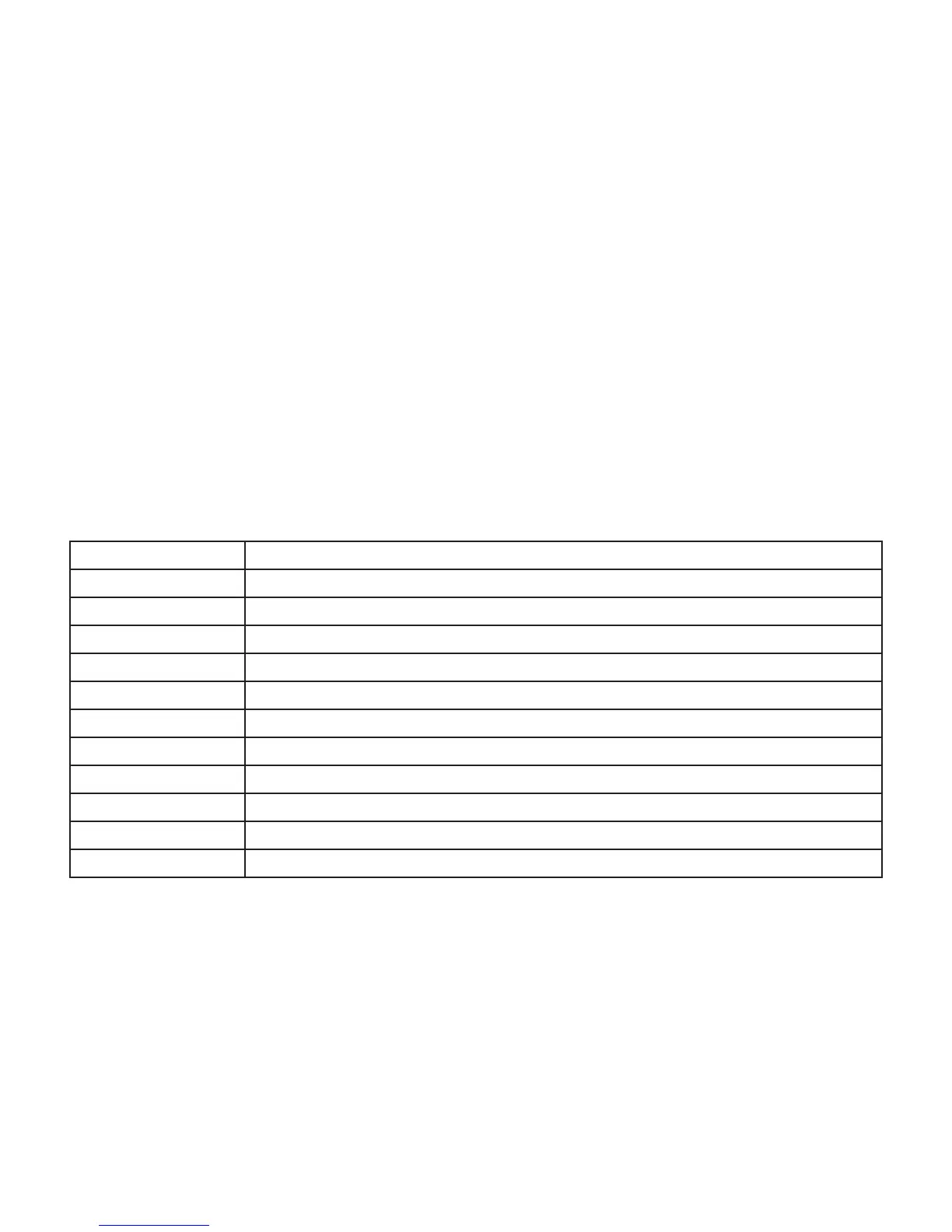
SPECIFICATIONS
Capacity
Eight capacity options: 1.0, 1.2, 1.5, 2.0, 3.0, 5.0, 6.0, 7.5 kg
Resolution
0.001g - 2000g
Response
3 -5 seconds
Display
LCD display with backlight
Tare
Equal to Max capacity
Over-load alarm
Auto alarm when load is over capacity
Over-load capacity
Protect automatically when the load is 125% of capacity
Source
Rechargeable battery: DC6V4Ah Adapter: AC220V
Power
Backlight 90mA ; No backlight 70mA
Temperature
Storage: -10°C ~+50°C (14-120°F) Work: 0°~+40°C (32-104°F)
Humidity
Storage: 5% ~ 90% R.H. Work: 10% ~ 80% R.H.
Pan Size
335mm X 220mm
Unit Conversion
1 kg = 1000 g
1 lb = 453.59237 g
1 0z = 28.349523125 g



 To Next Page