OPTIMUM
MASCHINEN - GERMANY
Operation
Version 1.0 dated 2015-03-31Page 16 Original operating instructions
DPA22GB
3 Operation
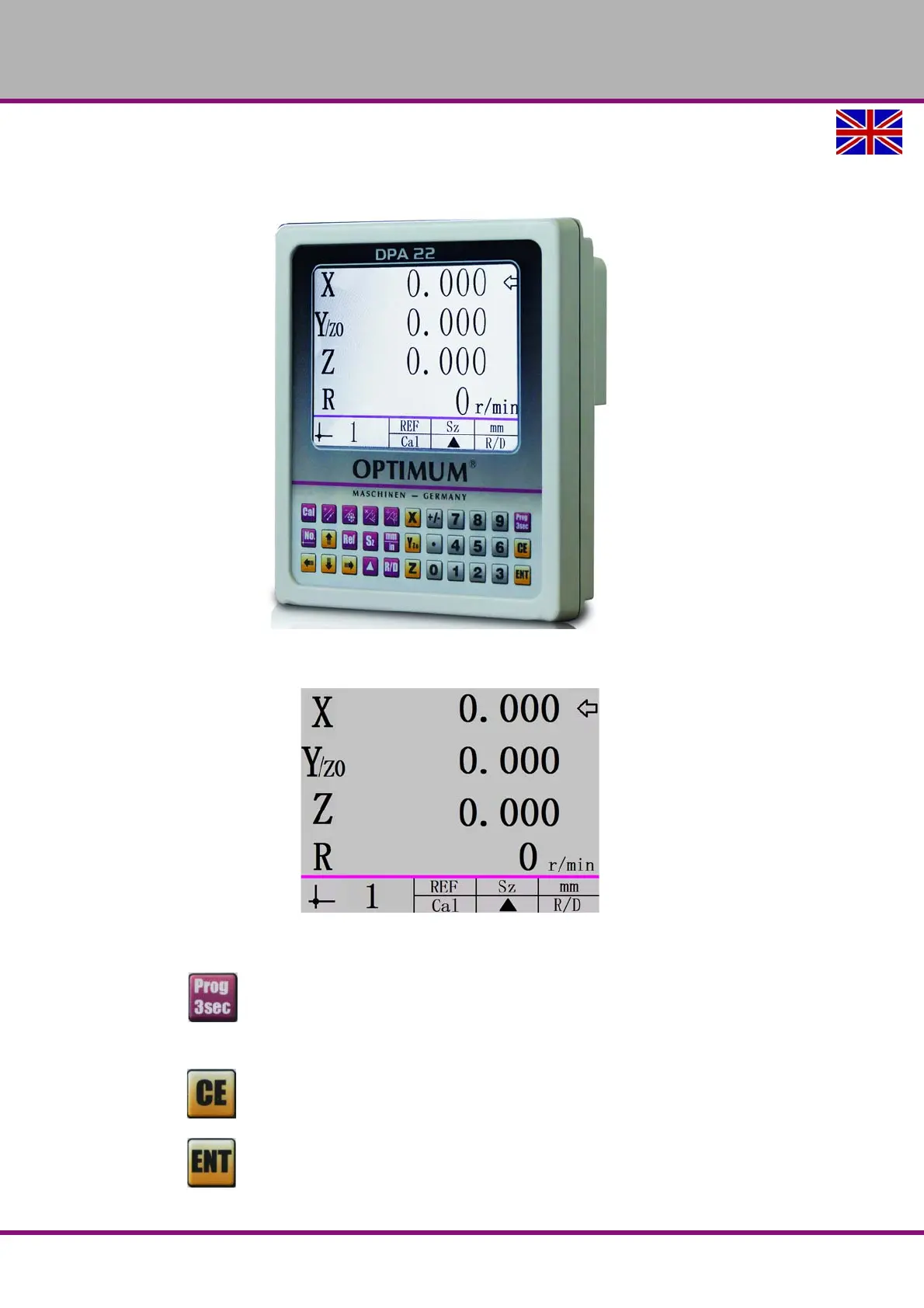
The device's display is in the default state when initially turned on.
3.1 Parameter settings
Press button for 3 seconds to access parameter settings.
Press the key again to exit parameter settings.
Press button to cancel an input.
Press button to save an input.


 To Next Page