Version 1.1.0 - 2020-08-0740 Translation of original instruction
MH35G│MH35V
EN
MH35G_MH35V_GB_4.fm
4.14 Swivelling the milling head
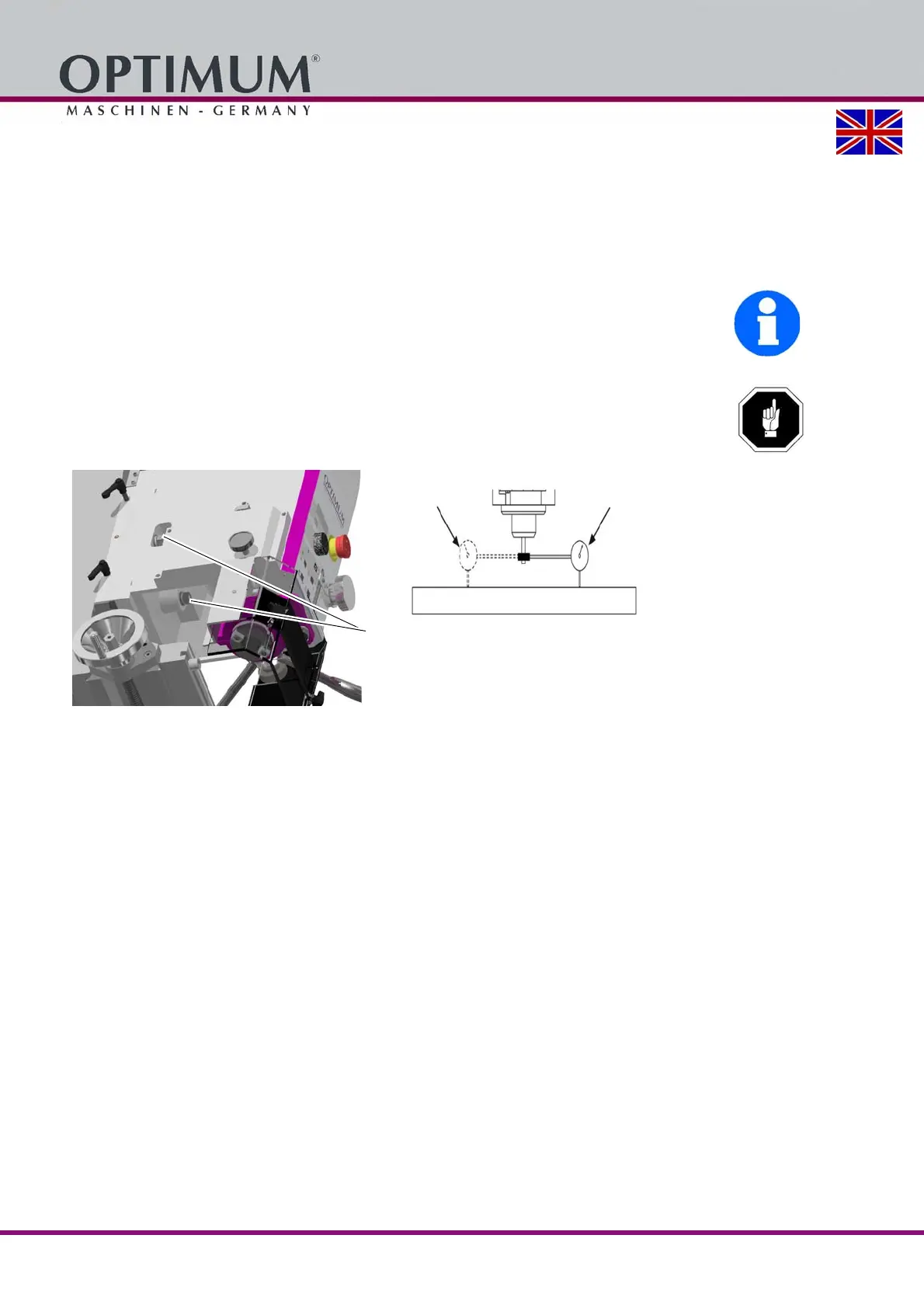
The milling head can be swivelled to the right and to the left.
Loosen 3 fastening screws on the milling head.
Turn the drill-mill head clockwise to the desired position.
Retighten the fastening screws.
INFORMATION
The milling head should be aligned after resetting to the initial position with a dial indicator so
that holes can be produced with the spindle sleeve at a right angle. Set the zero degree angle
step using your set-up.
ATTENTION!
The drill-mill continues significantly further and also swivels in a different direction. By
continuing to swivel, gear oil may seep from the ventilation hole.















 To Next Page