EasyManua.ls Logo

Optimus STA-7500 - Problem Solving

Optimus STA-7500
20 pages
Print Icon
To Next Page IconTo Next Page
To Previous Page IconTo Previous Page
Loading...
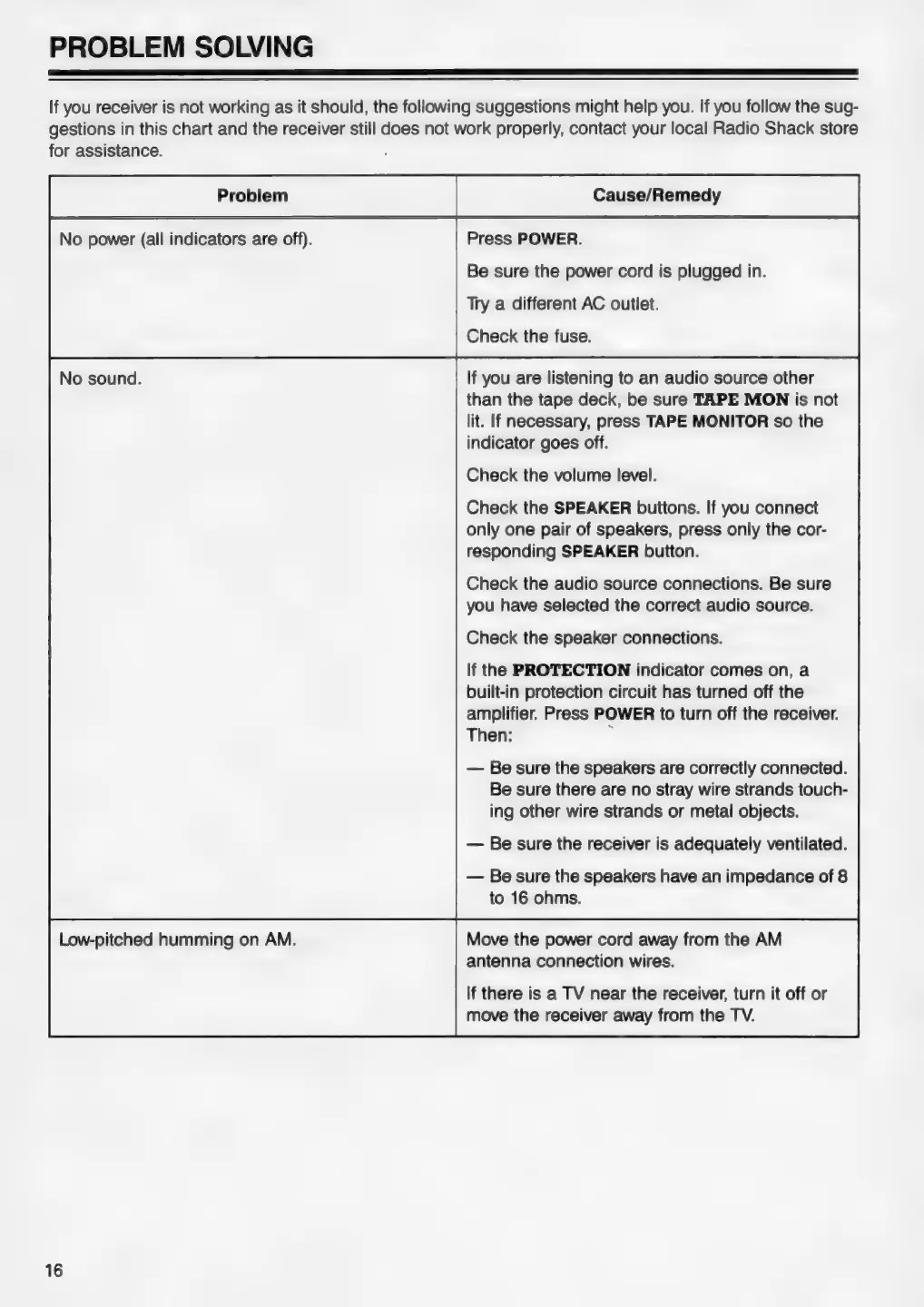
PROBLEM
SOLVING
If
you
receiver
is
not
working
as
it
should,
the
following
suggestions
might
help
you.
If
you
follow
the
sug-
gestions
in
this
chart
and
the
receiver
still
does
not
work
properly,
contact your
local
Radio
Shack
store
for
assistance.
No
power
(all
indicators
are
off).
Press
POWER.
Be
sure
the
power
cord
is
plugged
in.
Try
a
different
AC
outlet.
Check
the
fuse.
If
you
are
listening
to
an
audio
source
other
than
the
tape
deck,
be
sure
TAPE
MON
is
not
lit.
If
necessary,
press
TAPE
MONITOR
so the
indicator
goes
off.
Check
the
volume
level.
Check
the
SPEAKER
buttons.
If
you
connect
only
one
pair
of
speakers,
press
only
the
cor-
responding
SPEAKER
button.
Check
the
audio
source
connections.
Be
sure
you
have
selected
the
correct
audio
source.
Check
the
speaker
connections.
If
the
PROTECTION
indicator
comes
on,
a
built-in
protection
circuit
has
turned
off
the
amplifier.
Press
POWER
to
turn
off
the
receiver.
Then:
y
—
Be
sure
the
speakers
are
correctly
connected.
Be
sure
there
are
no
stray
wire
strands
touch-
ing
other
wire
strands
or
metal
objects.
—
Be
sure
the
receiver
is
adequately
ventilated.
—
Be
sure
the
speakers
have
an
impedance
of
8
to
16
ohms.
Low-pitched
humming
on
AM.
Move
the
power
cord
away
from
the
AM
antenna
connection
wires.
If
there
is
a
TV
near
the
receiver,
turn
it
off
or
move
the
receiver
away
from
the
TV.
16