16
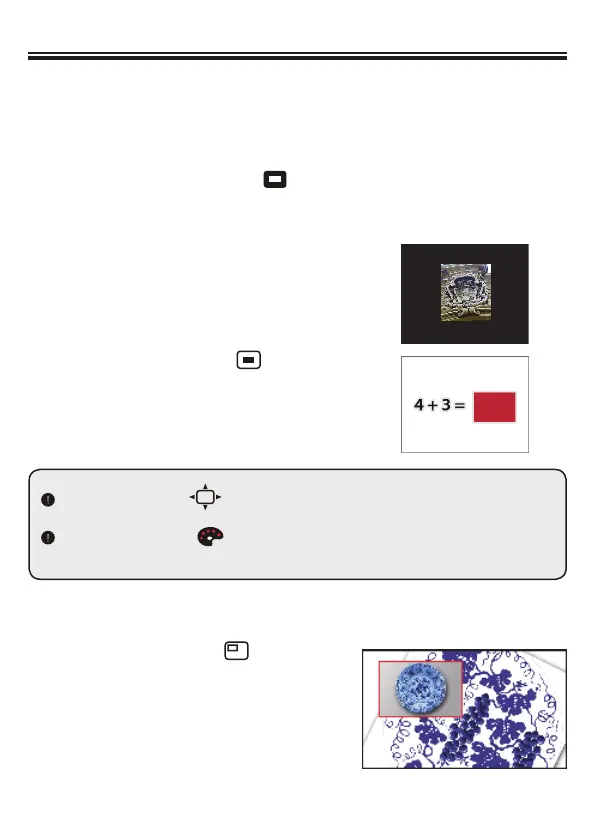
Press the Size button ( ) on the remote control, and use the direction buttons to
adjust the highlighted / masked size.
Press the Color button ( ) on the remote control, and use the direction buttons to
adjust the color of highlighted / masked area.
»
Advanced operation
• Highlight function
1. Use the Highlight display to draw attention to a particular section of
the output image.
2.
• Mask function
1. You can mask a section of the
output image.
2. Press the Mask button (
) on
the remote control, and use the
direction buttons to move the
masked area.
• PIP (Picture in Picture) function
1. Press the PIP button ( ) to display
an around quarter-size still image on a
live display.
2. Use the left or right button to move the
still image to the top left and bottom left.
3. Use the up / down button to change
the shift between still images.
Press the Highlight button ( ) on the remote control, and use the
direction buttons to move the highlighted area.


 To Next Page