14
English
Installation
Powering On the Projector
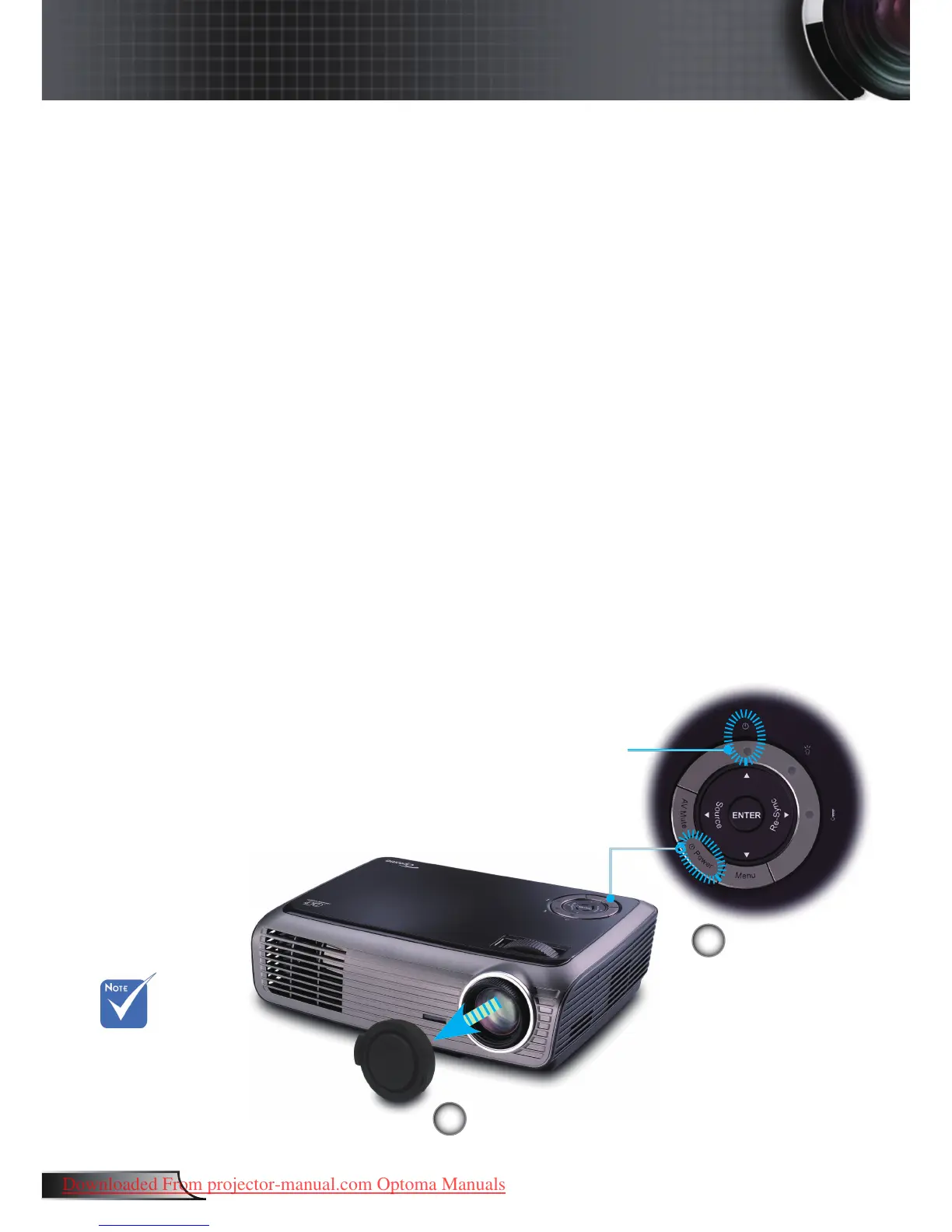
1. Remove the lens cap.
2. Ensure that the power cord and signal cable are securely
connected. The Power LED will be Amber.
3. Turn on the lamp by pressing “Power” button either on the
top of the projector or on the remote. The Power LED will
ash green.
The startup screen will display in approximately 10 seconds.
The rst time you use the projector, you can select your
preferred language from quick menu after the startup screen
display.
4. Turn on your source (computer, notebook, video player,
etc.). The projector will detect your source automatically.
If you connect multiple sources at the same time, press
the “Source” button on the control panel or direct source
key on the remote control to switch between inputs.
Powering On/Off the Projector
Turn on the
projector rst and
then select the
signal sources.
2
Power
Lens Cap
1
Power LED



 To Next Page