35
English
User Controls
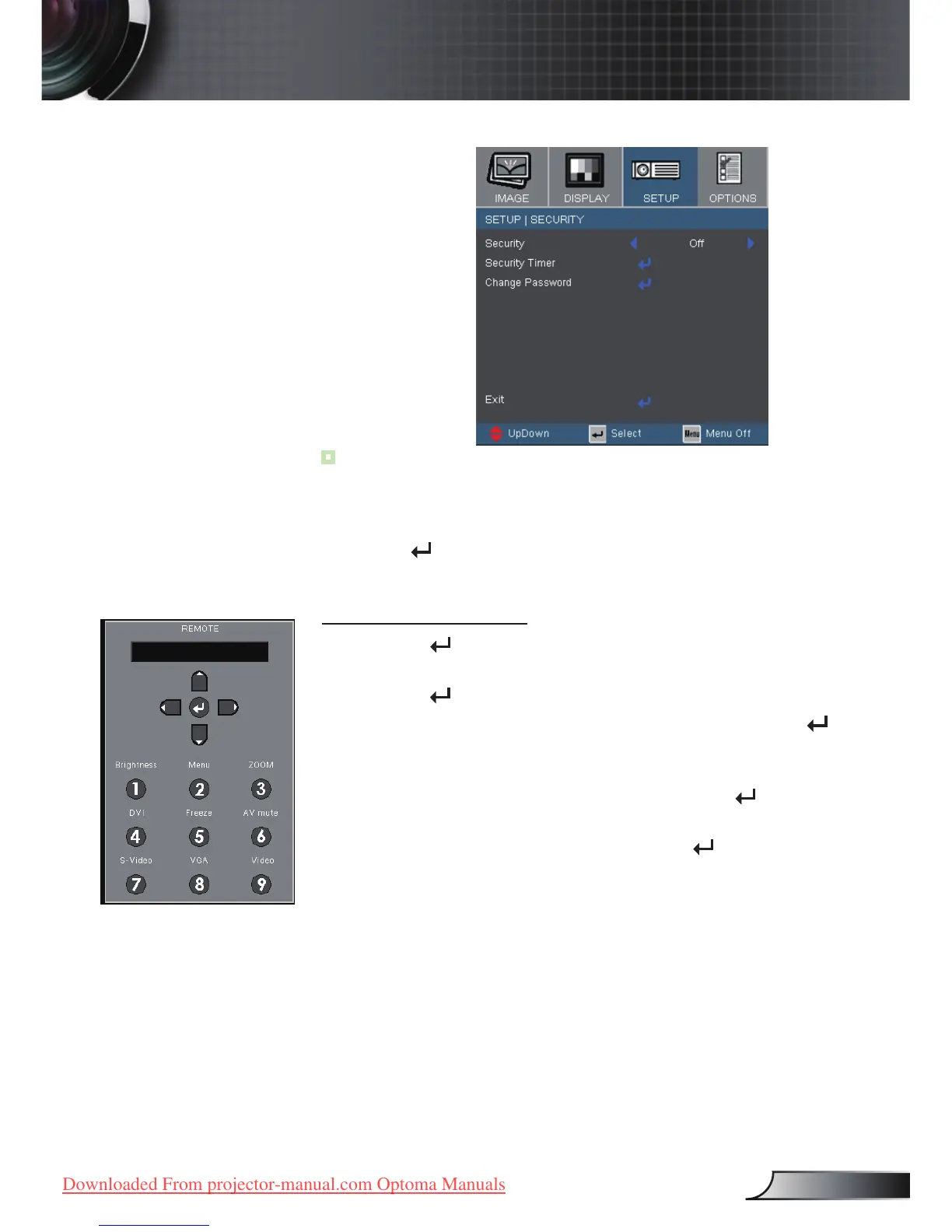
Setup | Security
■ First Time:
1.ThePasswordis4digits,DEFAULTVALUEis“1234”.(rsttime)
2.Usenumberbuttonsontheremotetoselectyourpassword,andthen
press “ ”keytoconrmyourselection.
Change Password
1. Press “ ” to input old password.
2. Use number button to enter current password, and then
press “ ” key again to reveal next OSD menu.
3. Scroll down to highlight Password, and then press “
”
to activate.
4. Enter new password (4 digits in length) using the
number buttons on the remote, then press “ ” to
conrm.
5. Enter new password again and press “
” to conrm.



 To Next Page