28
English
User Controls
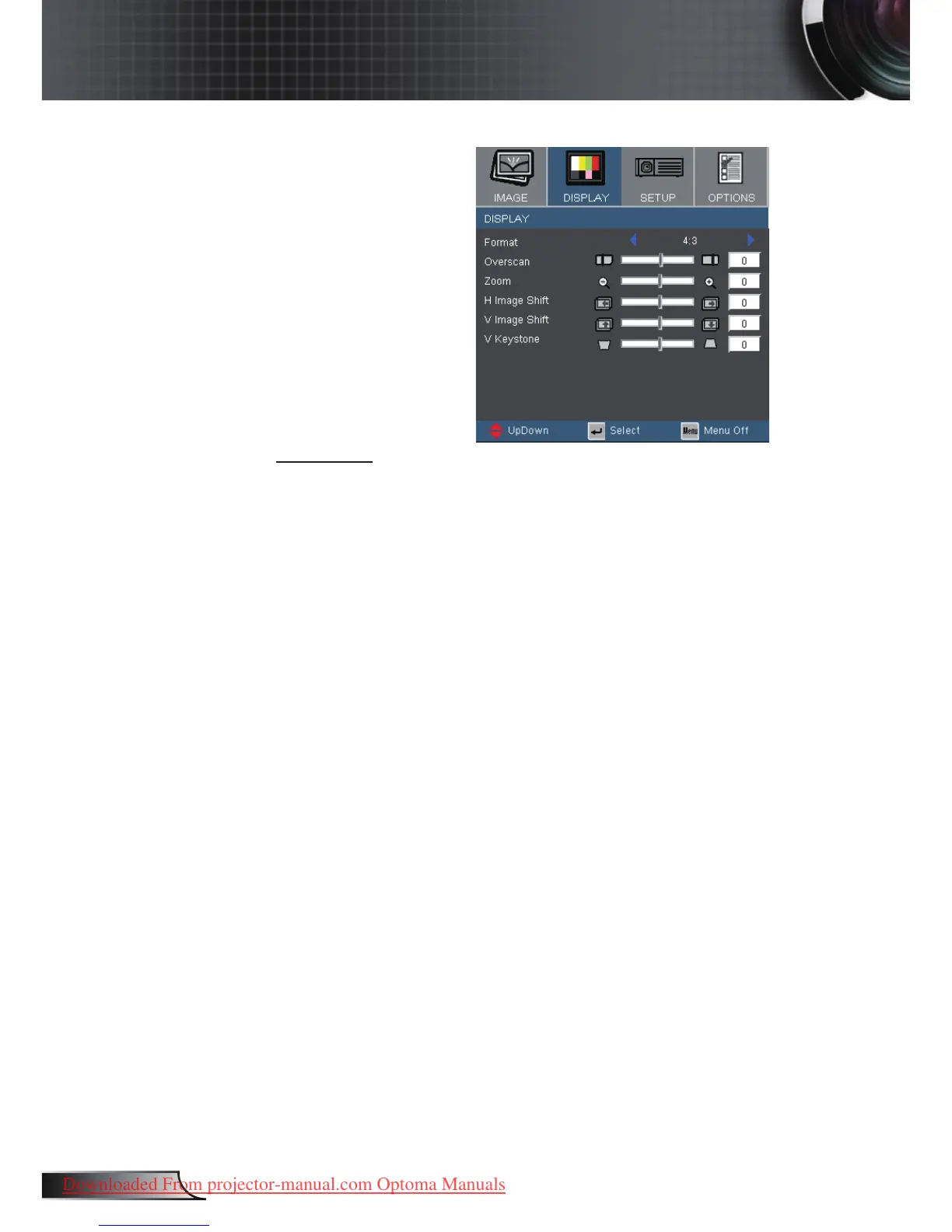
Display
Format
Use this function to choose your desired aspect ratio.
4:3: This format is for 4x3 input sources not enhanced for Wide
screen TV.
16:9 I: This format is for 16x9 input sources, like HDTV and
DVD enhanced for Wide screen TV.
16:9 II: The non-standard wide-screen display format of the
projector. Part of the original image will be cut if the image
aspect ratio is less than 1.67:1.
Window: When a 4:3 image is bigger than a 16:9 screen, select
the “Window” mode to t the image onto the screen without
changing the projection distance.



 To Next Page