20
English
User Controls
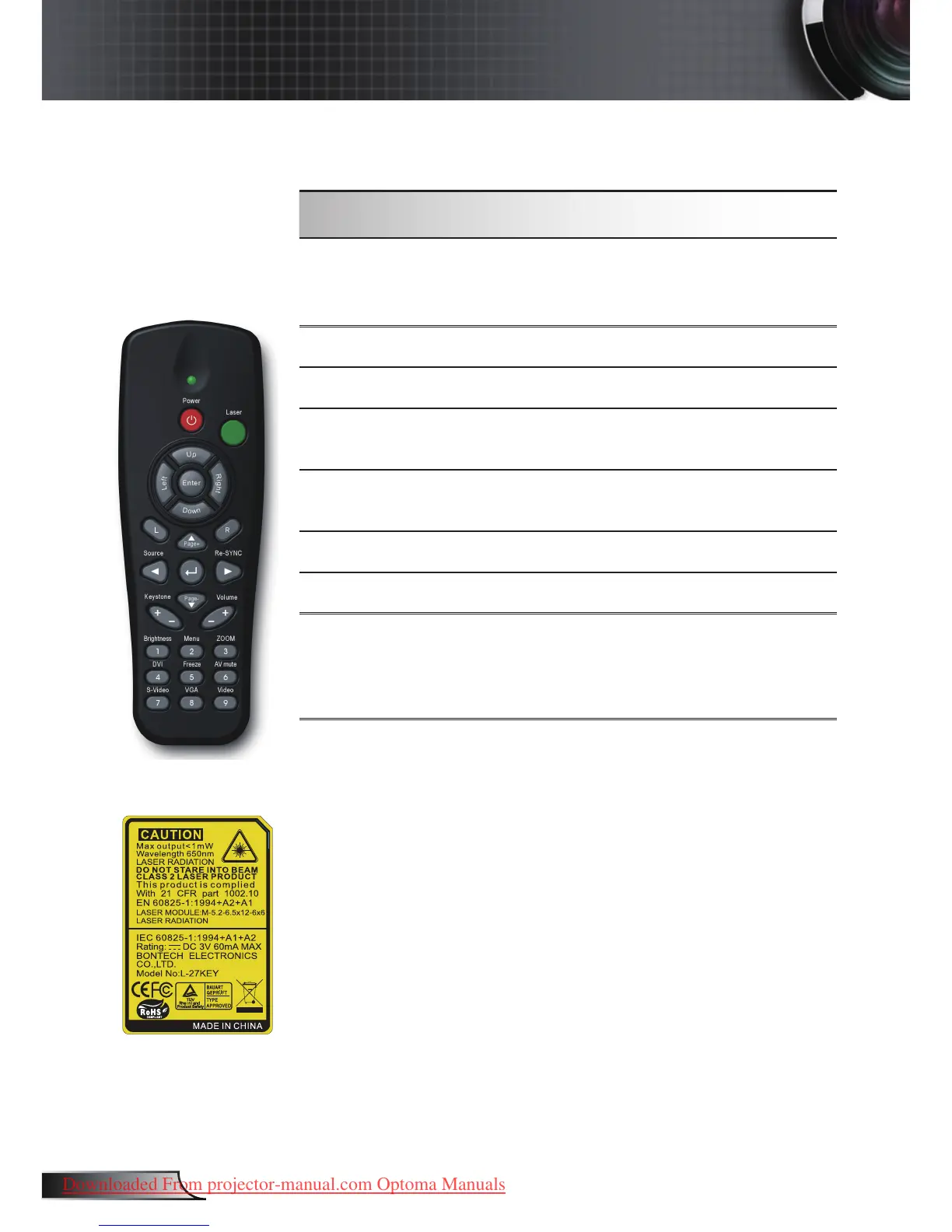
Using the Remote Control
Menu
Press “Menu” to launch the on-screen
display (OSD) menu. To exit OSD, Press
“Menu” again.
Zoom
Press “+/-” button to zoom in of an image.
DVI
Press “DVI” to choose DVI source.
VGA
Press “VGA” to choose source from VGA-
IN connector.
AV Mute
Momentarily turns off/on the audio and
video.
S-Video
Press “S-Video” to choose S-Video source.
Freeze
Press “Freeze” to pause the screen image.
Video
Press “Video” to choose Composite video
source. This function is only available when
the projector is connected to a video via a
Y-type cable.
Remote Control



 To Next Page