32
English
User Controls
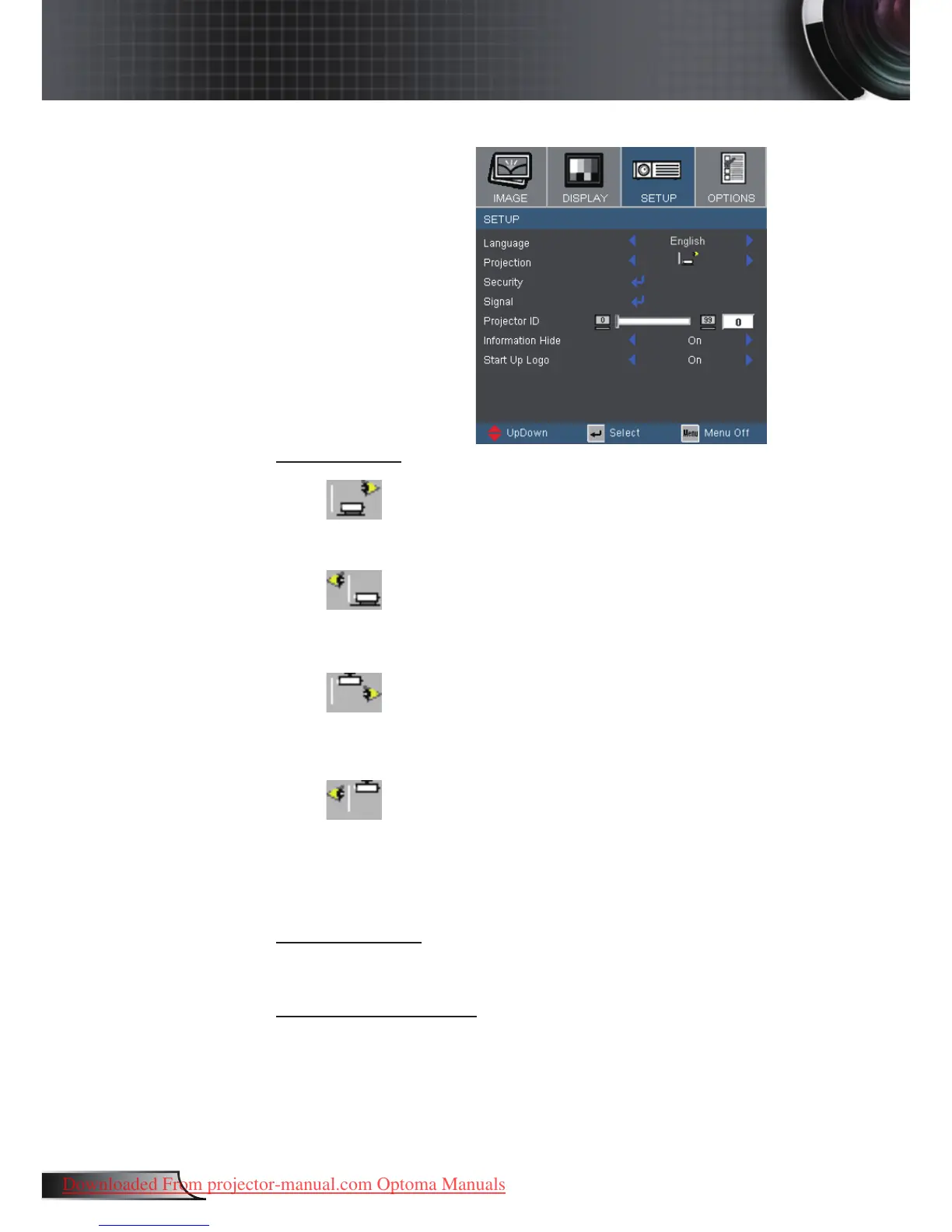
Setup
Projection
Front-Desktop
The factory default setting.
Rear-Desktop
When you select this function, the projector reverses the image
so you can project behind a translucent screen.
Front-Ceiling
When you select this function, the projector turns the image
upside down for ceiling-mounted projection.
Rear-Ceiling
When you select this function, the projector reverses and turns
the image upside down at same time. You can project from
behind a translucent screen with ceiling mounted projection.
Projector ID
Allows RS232 control of an individual projector. Range 01-99.
Information Hide
On: Choose “On” to hide the searching message.
Off: Choose “Off” to show the searching message.



 To Next Page