37
English
User Controls
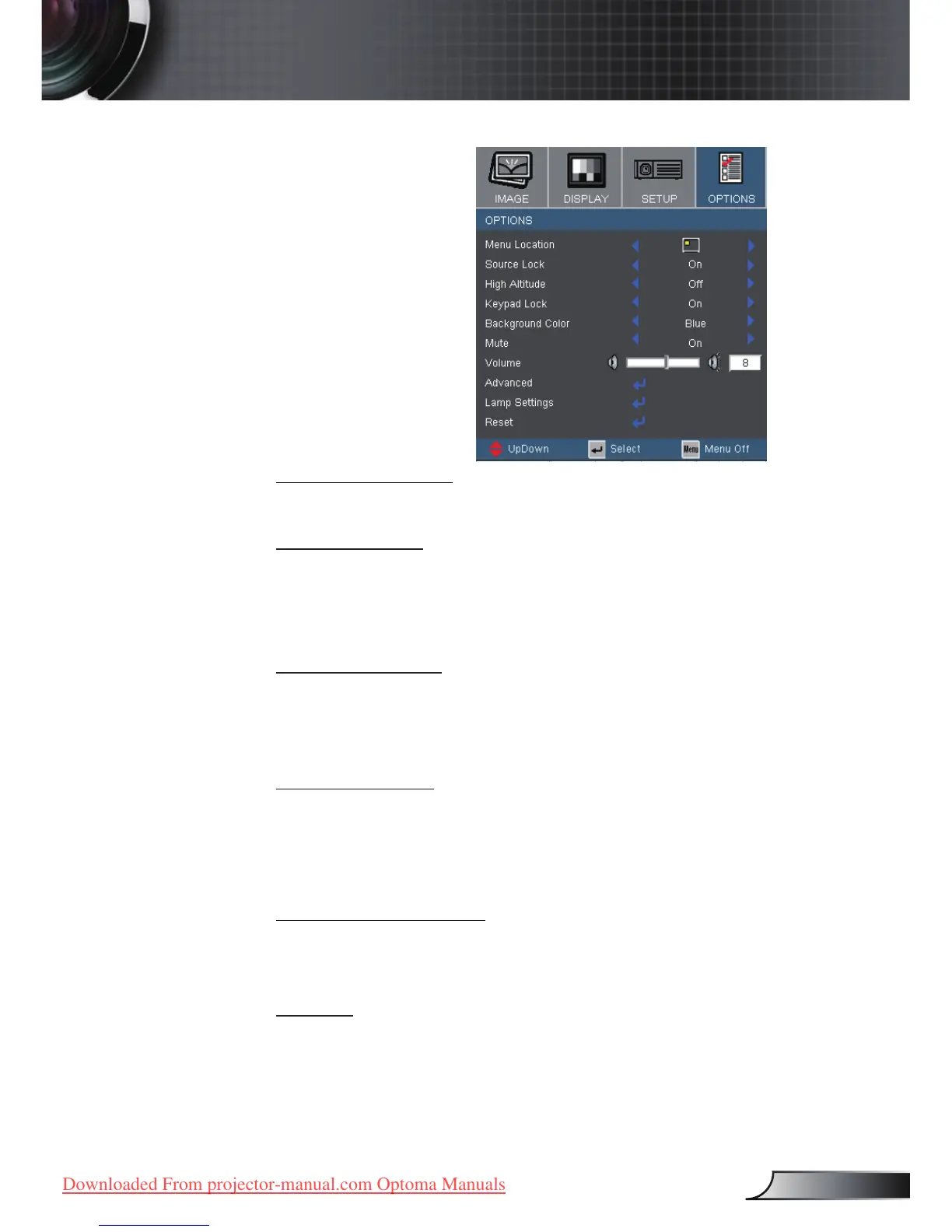
Menu Location
Choose the menu location on the display screen.
Source Lock
On: The projector will search specied connection port.
Off: The projector will search for other signals if the current
input signal is lost.
High Altitude
Choose “On” to turn on High Altitude mode. Operates the fans at
full speed continuously to allow for proper high altitude cooling of
the projector.
Keypad Lock
When the keypad lock function is on, the control panel will be
locked, but the projector can still be operated by the remote
control. If canceling this function, use the remote control or press
the “Enter” key on the control panel for 7 seconds to turn it off.
Background Color
Use this feature to display a “Blue” or “Black” screen when no
signal is available.
Mute
Choose the “On” to turn mute on.
Choose the “Off” to turn mute off.
Options



 To Next Page