30
English
User Controls
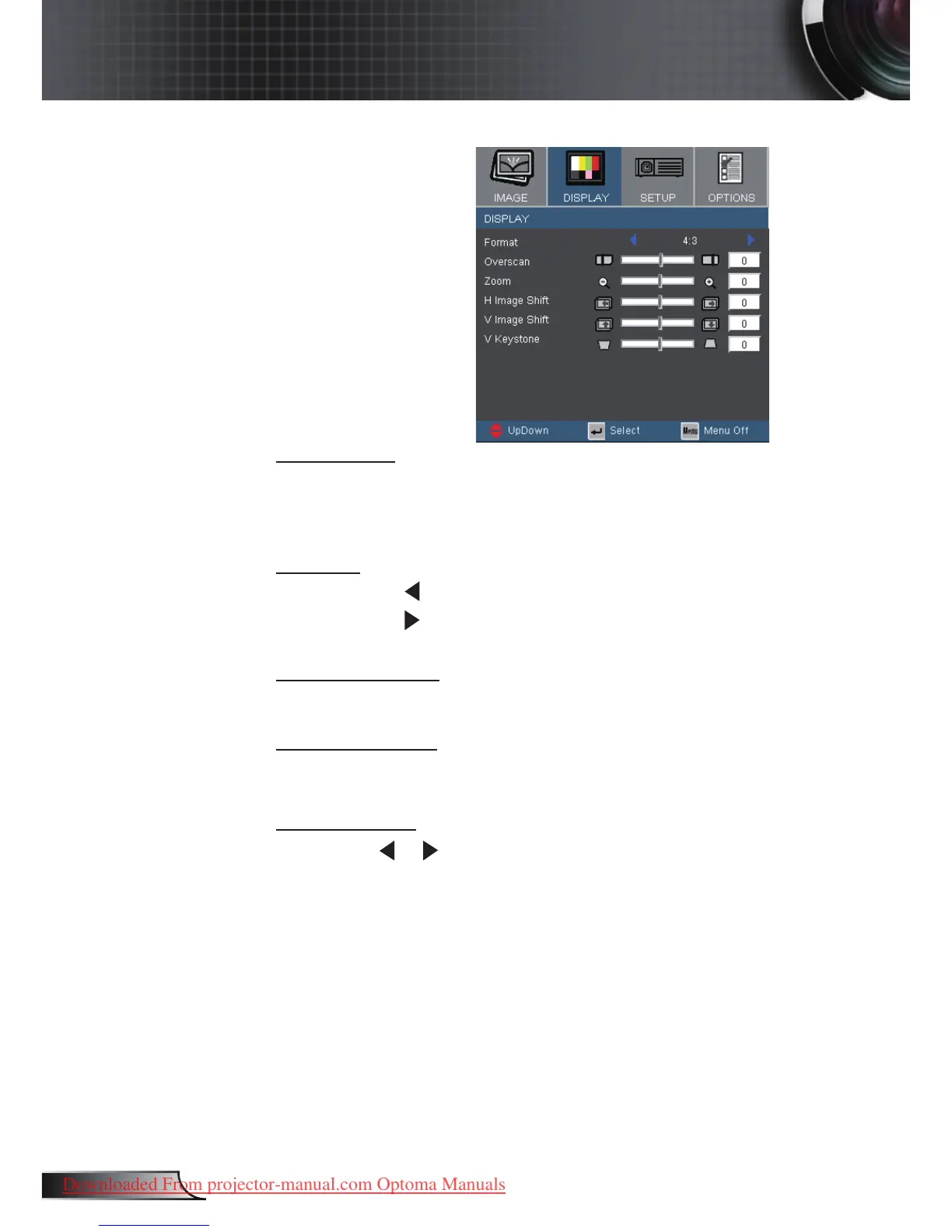
Overscan
Overscan function removes the noise in a video image. Overscan
the image to remove video encoding noise on the edge of video
source.
Zoom
Press the to reduce the size of an image.
Press the to magnify an image on the projection screen.
H Image Shift
Shifts the projected image position horizontally.
V Image Shift
Shifts the projected image position vertically.
V Keystone
Press the or to adjust image distortion vertically and makes a
squarer image.
Display



 To Next Page