39
English
User Controls
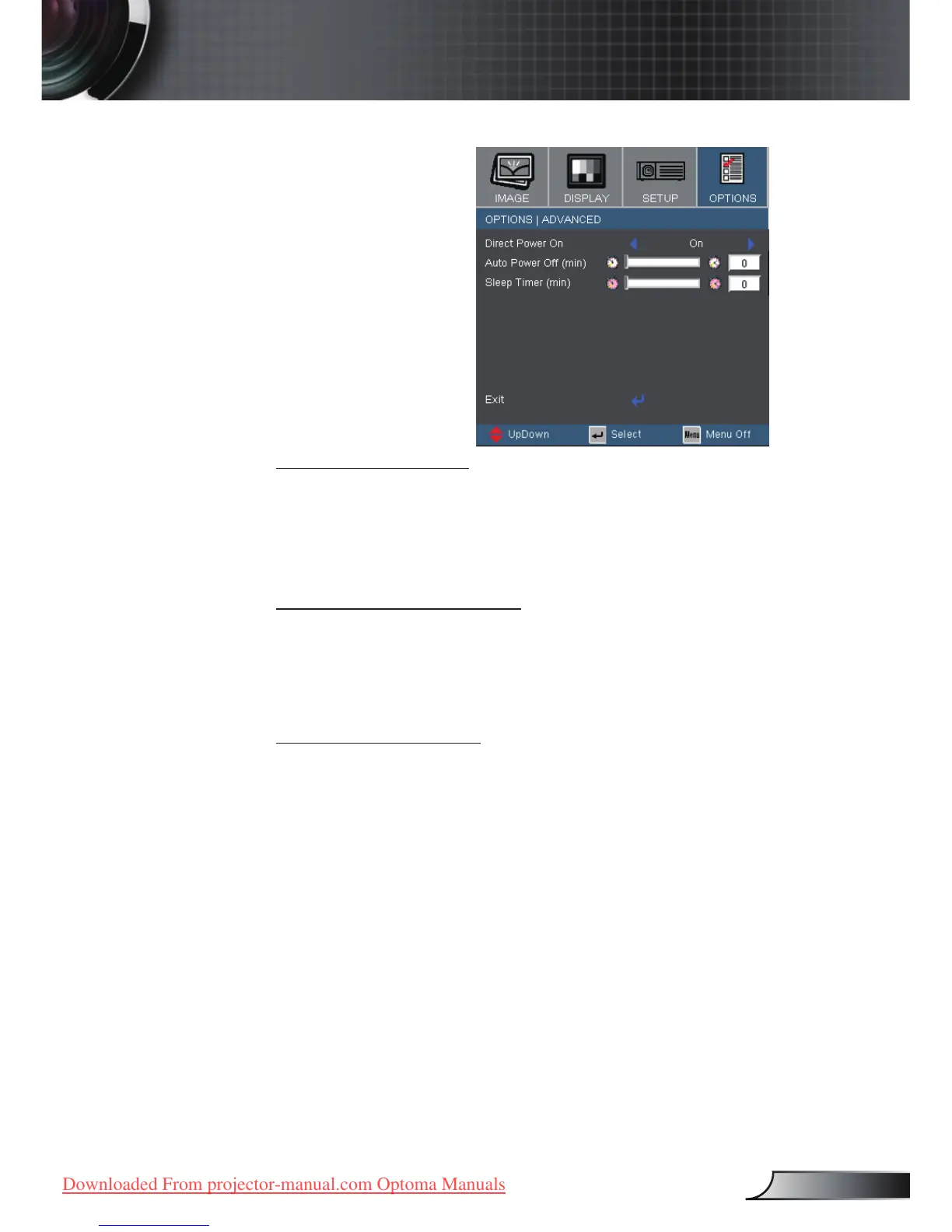
Direct Power On
Choose “On” to turn on Direct Power On mode. The projector
will automatically power on when AC power is supplied, with-
out pressing the “Power/Standby” key on the projector control
panel or “Power” key on the remote control.
Auto Power Off (min)
Sets the countdown timer interval. The countdown timer will
start, when there is no signal being sent to the projector. Then
projector will automatically power off when the countdown has
nished (in minutes).
Sleep Timer (min)
Sets the countdown timer interval. The timer will begin, with or
without a signal input. Then the projector will automatically
power off then the sleep timer countdown has nished.
Options



 To Next Page