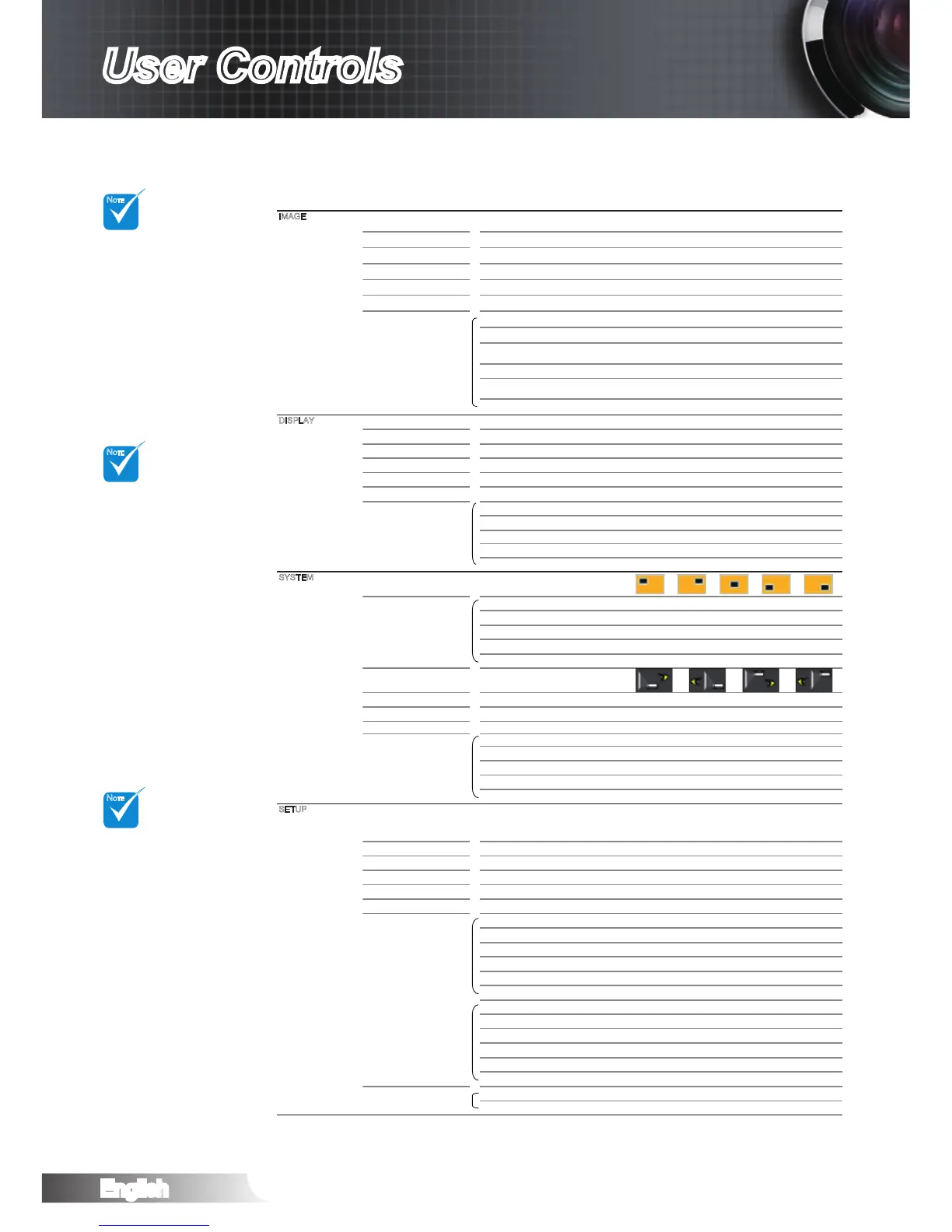
Display Mode Cinema / Reference / Photo / Bright / 3D / ISF Day /
ISF Night / User
Contrast -50~50
Brightness -50~50
Sharpness 0~15
#1
Color -50~50
#1
Tint -50~50
Advanced Noise Reduction 0~10
Gamma Film / Video / Graphics / Standard
PureEngine PureDetail / PureColor / PureMotion / PureEngine
Demo / Exit
DynamicBlack Off / Cinema 1 / Cinema 2
Color Settings Color Temperature / Color Gamut / CMS / RGB
Gain/Bias / Color Space / RGB Channel
Exit
Format 4:3 / 16:9 / LBX / Native
Zoom 0~10
Edge Mask 0~5
V Image Shift -50~50
V Keystone -30~30
SuperWide Off / AUTO / On (16:9) / On (2.35:1)
3D 3D Mode DLP-Link / VESA 3D
3D -> 2D 3D / L / R
3D Format Off / SBS / Top and Bottom / Frame Sequential
#2
3D Sync. Invert On / Off
Exit
Menu Location
Lamp Settings Lamp Hours
Lamp Reminder On / Off
Lamp Mode Bright / STD / Image AI
Lamp Reset Cancel / Yes
Exit
Projection
Test Pattern Off / Grid / White
Background Color Blue / Gray / Black
12V Trigger A On / Off
12V Trigger B Off
On 4:3 / 16:9 / LBX / Native / Exit
Auto 235
Auto 3D
Exit
Language
Input Source HDMI 1 / HDMI 2 / Component / VGA / Video / Exit
Source Lock On / Off
High Altitude On / Off
Information Hide On / Off
Auto Power Off 0~180
Signal Frequency 0~100
Phase -50~50
H. Position -50~50
V. Position -50~50
Automatic Enable / Disable
Exit
White Level -50~50
Black Level -50~50
Saturation -50~50
Hue -50~50
IRE 0 IRE / 7.5 IRE
Exit
Reset Current Cancel / Yes
All Cancel / Yes
English / Deutsch / Français / Italiano / Español / Português / Svenska / Nederlands / Norsk /
Dansk / Polski / Suomi / Ɋɭɫɫɤɢɣ / İȜȜȘȞȚțȐ / Magyar / ýeština / ϲΑήϋ / ᧯խ֮ / 亞խ֮ /
ֲء / 한국어 / Türkçe
IMAGE
DISPLAY
SYSTEM
SETUP



 To Next Page