English
35
User Controls
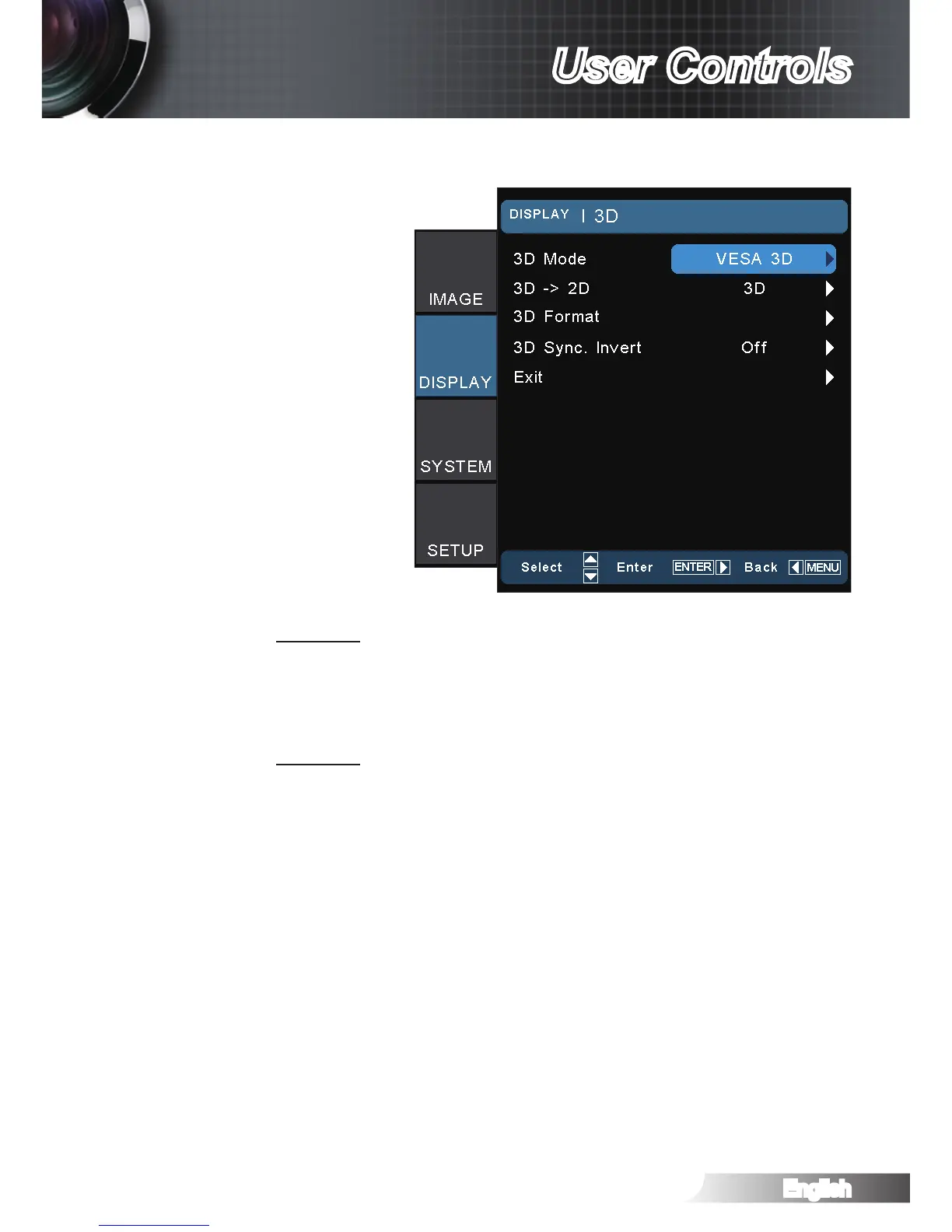
DISPLAY | 3D
3D Mode
DLP Link: Select “DLP Link” to use optimized settings for DLP
Link 3D images. (For DLP glasses, please refer to page 16).
VESA 3D: Select “VESA 3D” to use optimized setting for VESA
3D images. (For 3D emitter, please refer to page 13).
3D -> 2D
3D: Display 3D signal.
L (Left): Display the left frame of 3D content.
R (Right): Display the right frame of 3D content.



 To Next Page