English
36
User Controls
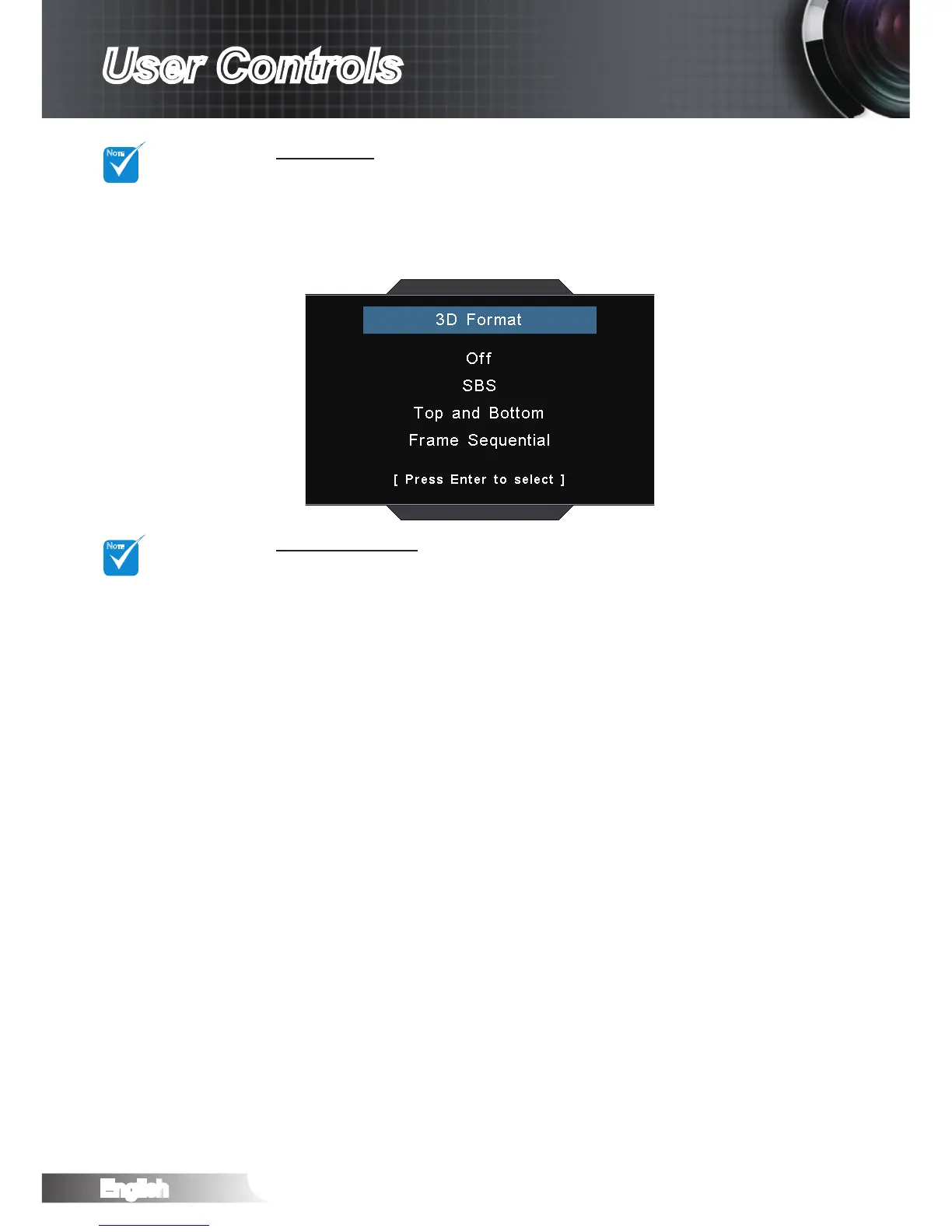
3D Format
Off: Press the “Off” to disable 3D format conversion.
SBS: Display 3D signal in “Side-by-Side” format.
Top and Bottom: Display 3D signal in “Top and Bottom” format.
Frame Sequential: Display 3D signal in “Frame Sequential”
format.
3D Sync. Invert
Press the “On” to invert left and right frame contents.
Press the “Off” for default frame contents.
“3D sync. Invert”
function wouldn’t
save the setting.
It will set to “Off”
when powers
on and changes
source.



 To Next Page