English
29
User Controls
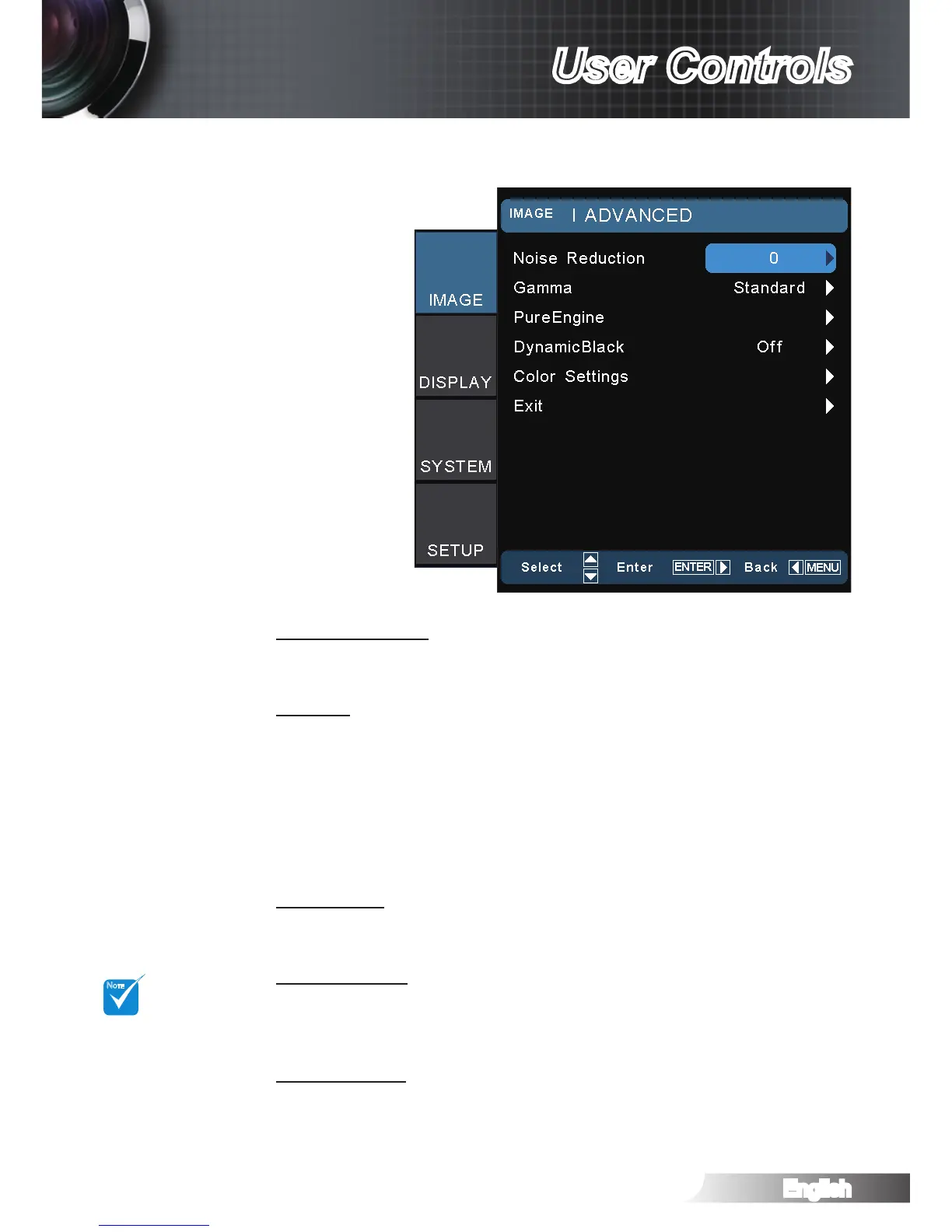
Noise Reduction
The Noise Reduction reduces the amount of visible noise inter-
laced signals. The range is from “0” to “10”. (0: Off)
Gamma
This allows you to set up gamma curve type. After the initial setup
and ne tuning is completed, utilize the Gamma Adjustment steps
to optimize your image output.
Film: for home theater.
Video: for video or TV source.
Standard: for standardized setting.
Graphics: for image source.
PureEngine
The PureEngine is a collection of advanced image processing
technologies that enhances the quality of the displayed image.
DynamicBlack
DynamicBlack enables the projector to automatically optimize
the display of dark movie scenes enabling them to be shown in
incredible detail.
Color Settings
Press ► into the next menu and then use ▲ or ▼ to select item.
IMAGE | Advanced



 To Next Page