English
34
User Controls
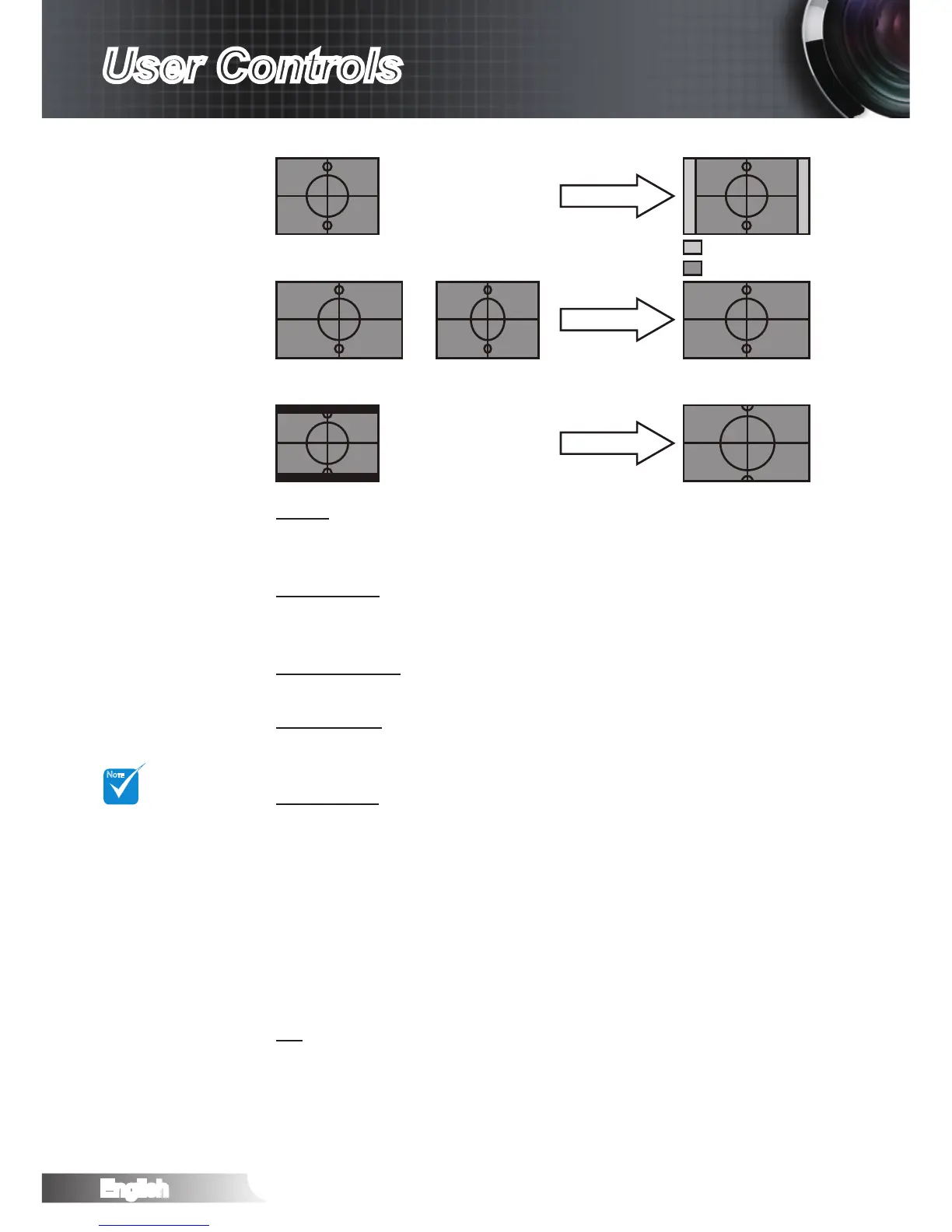
“SuperWide” is
Off“ as default.
How to use “Su-
per-Wide”:
1. Obtain a 2.0:1
aspect ratio
screen.
2. Switch Super-
Wide ON.
3. Align the
projector image
correctly on the
screen.
4. Enjoy movies
without black
bars.
Display area
Display on Screen
Picture area
Input Signal
4:3 format
or
16:9 format
LBX format
Zoom
Press the ◄ to reduce the size of an image.
Press the ► to magnify an image on the projection screen.
Edge Mask
Press the ◄ to reduce the size of an image.
Press the ► to magnify an image on the projection screen.
V Image Shift
Shift the projected image position vertically.
V Keystone
Press the ◄ or ► to adjust image distortion vertically and make a
squarer image.
SuperWide
SuperWide is a feature that uses a special 2.0:1 aspect ratio
screen enabling both 16:9 and 2.35:1 aspect ratio movies to be
shown without black bars at the top and bottom of the screen.
Off: Your desired aspect ratio can be selected 4:3, 16:9, LBX
and Native.
Auto: To solve the differences of the lm formats, the option
can keep the format in the same ratio.
On (16:9): Only 16:9 format can be selected.
On (2.35:1) Only 2.35:1 format can be selected.
3D
Press ► into the next menu and then use ▲ or ▼ to select item.



 To Next Page