Using the On-Screen Display
The projector has a multi-language On-Screen Display (OSD) Menu that can be 1.
displayed with or without an input source.
Press the 2. Menu button on the control panel or the remote control to enter the Main
Menu.
To select an option, press the 3. or buttons on your projector’s control panel or
remote control.
Use the 4. or buttons on the control panel or remote control to adjust the set-
tings.
To exit the OSD, press the 5. Menu button directly on the control panel or the remote
control.
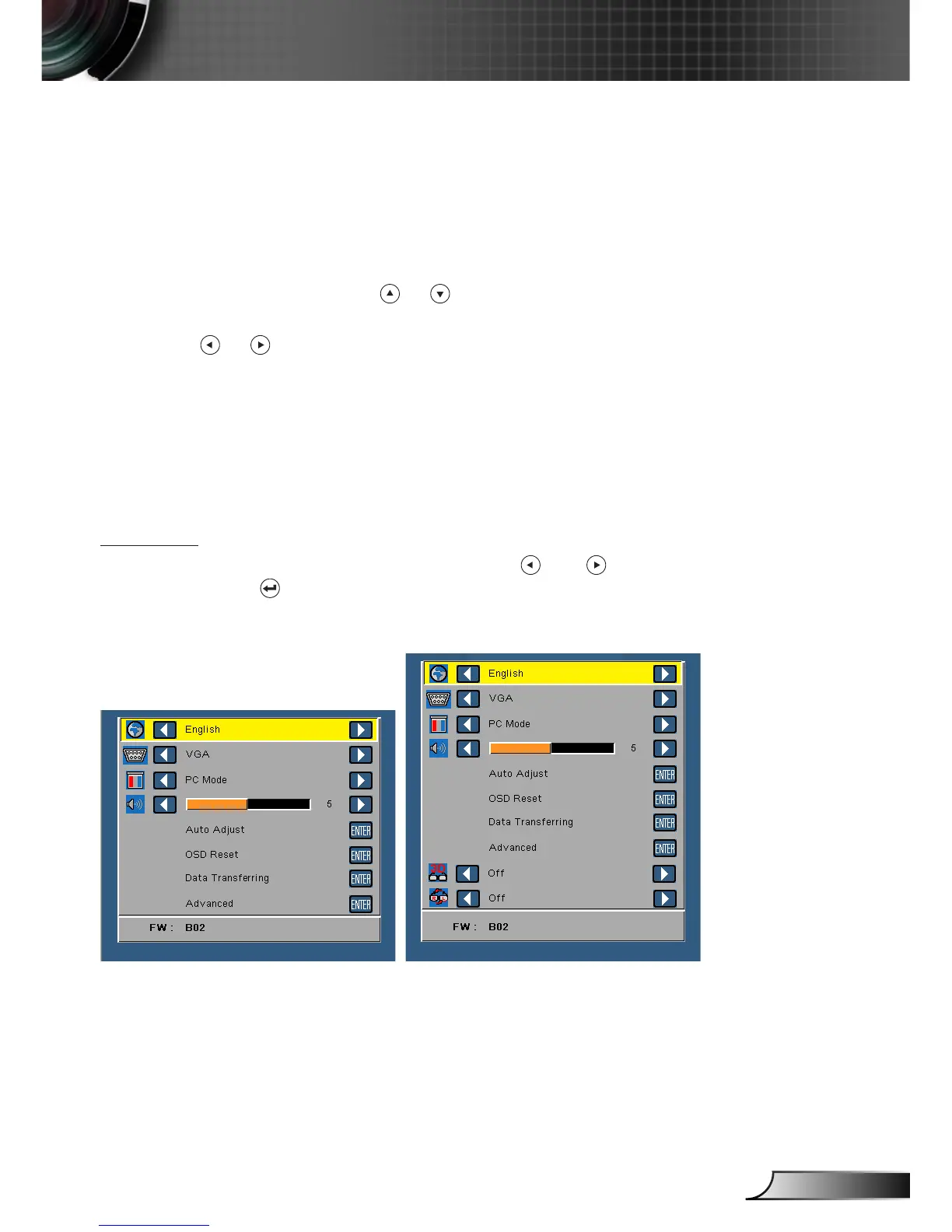
Main Menu
Language
Allows you to set the language for the OSD. Press and to select different lan-
guages and press to change the language.
Without 3D function
With 3D function
User Controls



 To Next Page