Aspect Ratio
Allows you to select the aspect ratio to adjust how the image appears. Options are:
Origin
,
16:9
and
4:3
.
Origin: Select
y
Origin
to maintain the aspect ratio of the image projector
according to the input source.
16:9: The input source scales to fit the width of the screen to project a 16:9
y
screen image.
4:3: The input source scales to fit the screen and projects a 4:3 image.
y
Zoom
Press or to zoom and view the image.
NOTE: Closed caption option is available for NTSC only.
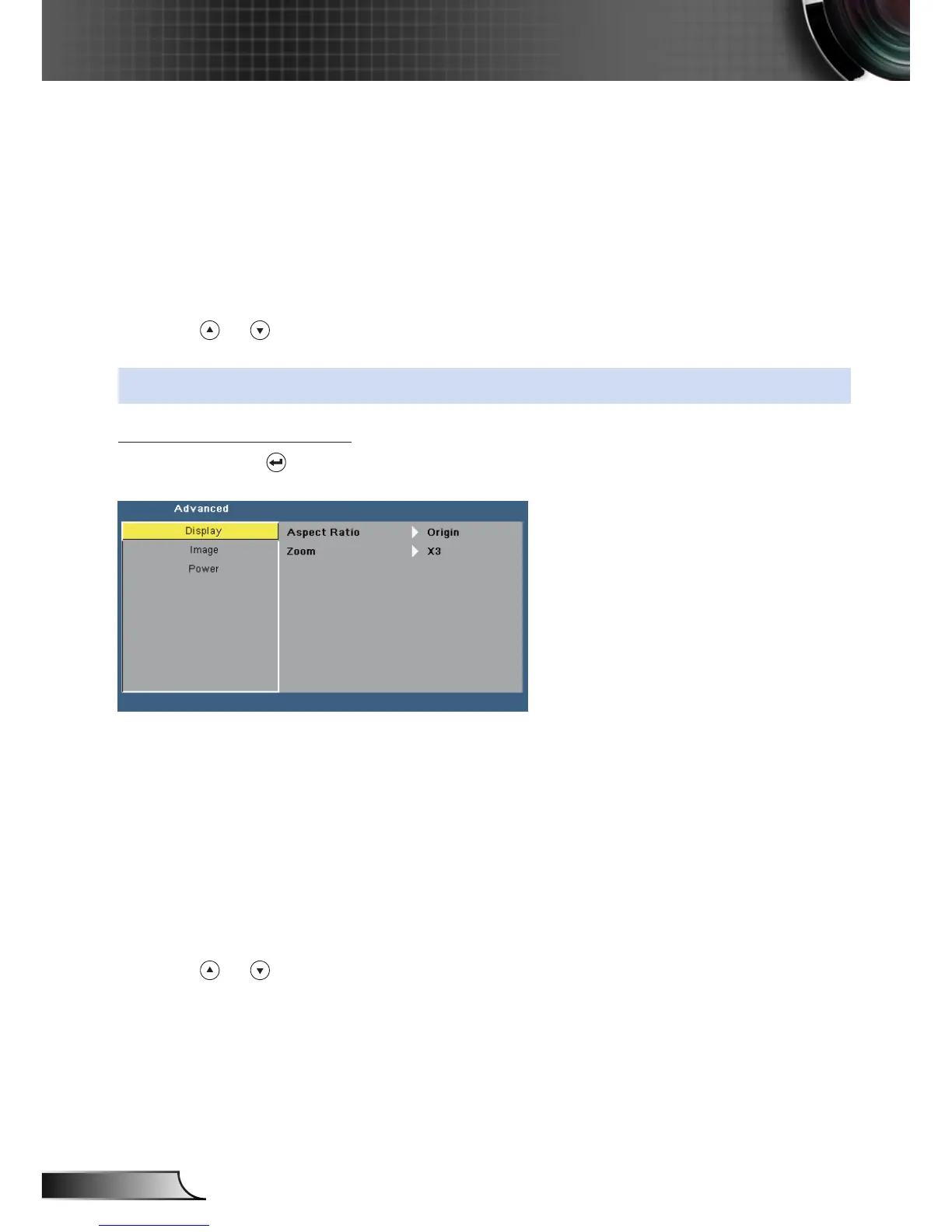
Display (In Video Mode)
Select and press to activate display settings. The display menu provides the follow-
ing options:
Aspect Ratio
Allows you to select the aspect ratio to adjust how the image appears. Options are:
Origin
,
16:9
and
4:3
.
Origin: Select
y
Origin
to maintain the aspect ratio of the image projector
according to the input source.
16:9: The input source scales to fit the width of the screen to project a 16:9
y
screen image.
4:3: The input source scales to fit the screen and projects a 4:3 image.
y
Zoom
Press or to zoom and view the image.



 To Next Page