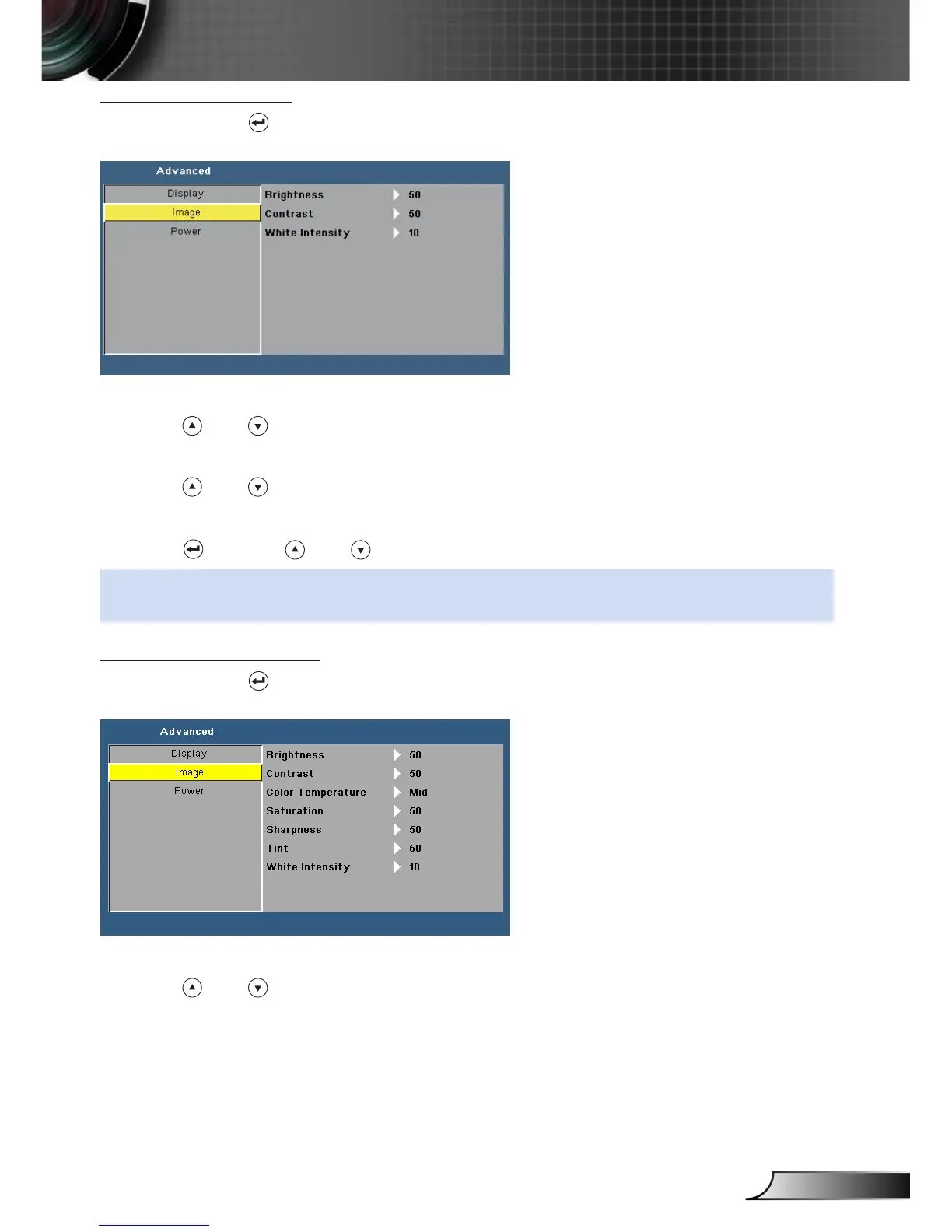
Image (In PC Mode)
Select and press to activate image settings. The image menu provides the following
options:
Brightness
Press and to adjust the brightness of the image.
Contrast
Press and to adjust the display contrast.
White Intensity
Press and use and to display white intensity.
NOTE: If you adjust the settings for Brightness, Contrast, Color Temperature, and White Inten-
sity the projector automatically switches to User mode.
Image (In Video Mode)
Select and press to activate image settings. The image menu provides the following
options:
Brightness
Press and to adjust the brightness of the image.



 To Next Page