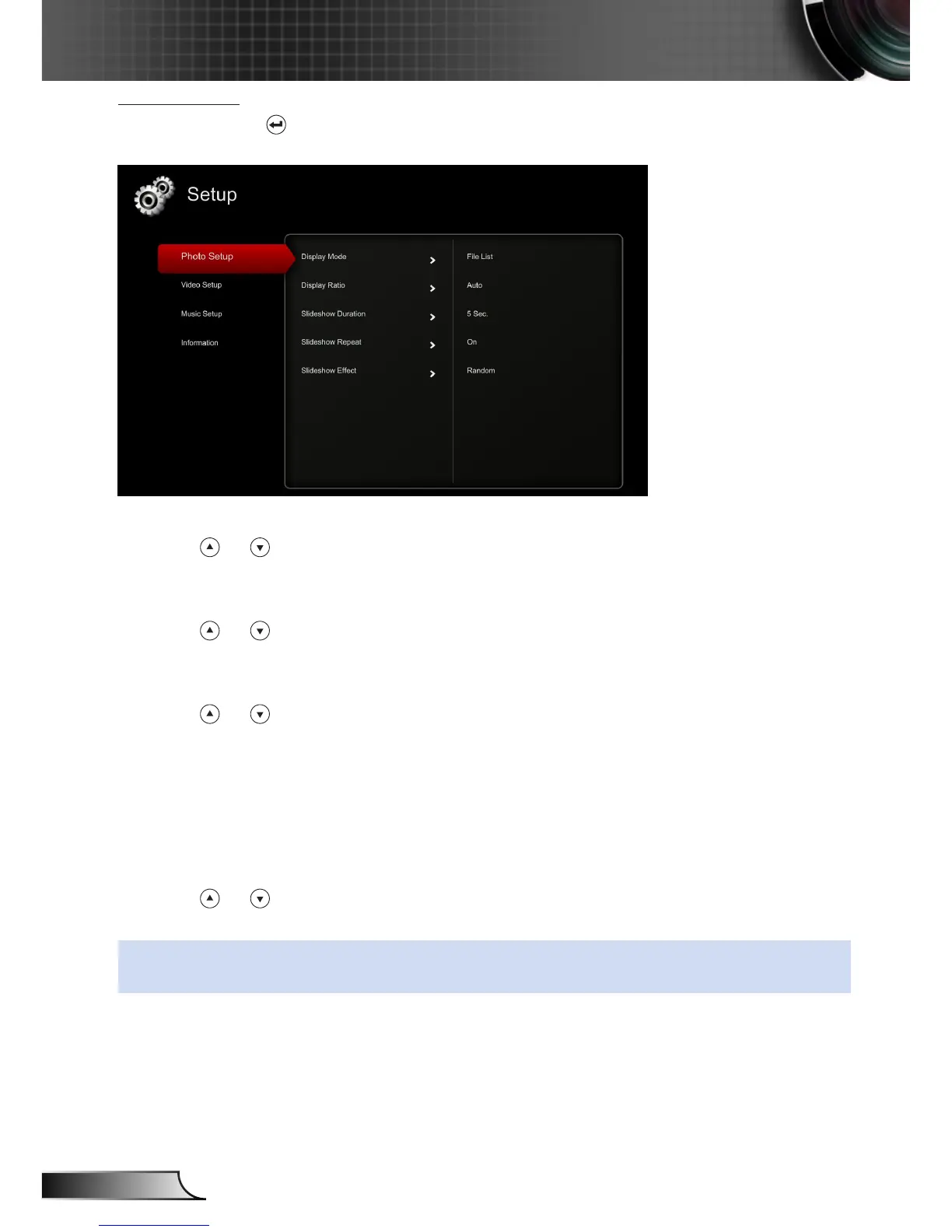
Photo Setup
Select and press to activate photo setup menu. The photo setup menu provides the
following options:
Display Mode
Press or to select the display mode of the photo on the screen. Options are:
File List
,
Thumbnail
, and
Slideshow
.
Display Ratio
Press or to select the display ratio of the photo as
Auto
(original ratio) or
Full
(full screen).
Slideshow Duration
Press or to select the slideshow duration. The image will automatically switch
to the next photo after the time out. Options are:
5 sec
,
15 sec
,
30 sec
,
1 min
,
5
min
, and
15 min
.
Slideshow Repeat
Select
On
to repeat slideshow always. Or select
Off
to stop slideshow when it goes
to the last page.
Slideshow Effect
Press or to select what slideshow effect you want. Options are:
Random
,
Rect.
,
Off
,
Snake
,
Partition
,
Erase
,
Blinds
,
Lines
,
GridCross
,
Cross
, and
Spiral
.
NOTE: Slideshow Duration, Slideshow Repeat, and Slideshow Effect function only support
Slideshow mode.



 To Next Page