USB
Allows you to playback the photo, Audio, or Video files from your USB flash disk.
MicroSD
Allows you to playback the photo, Audio, or Video files from your microSD card.
Internal Memory
Allows you to playback the photo, Audio, or Video files from internal memory of the
projector.
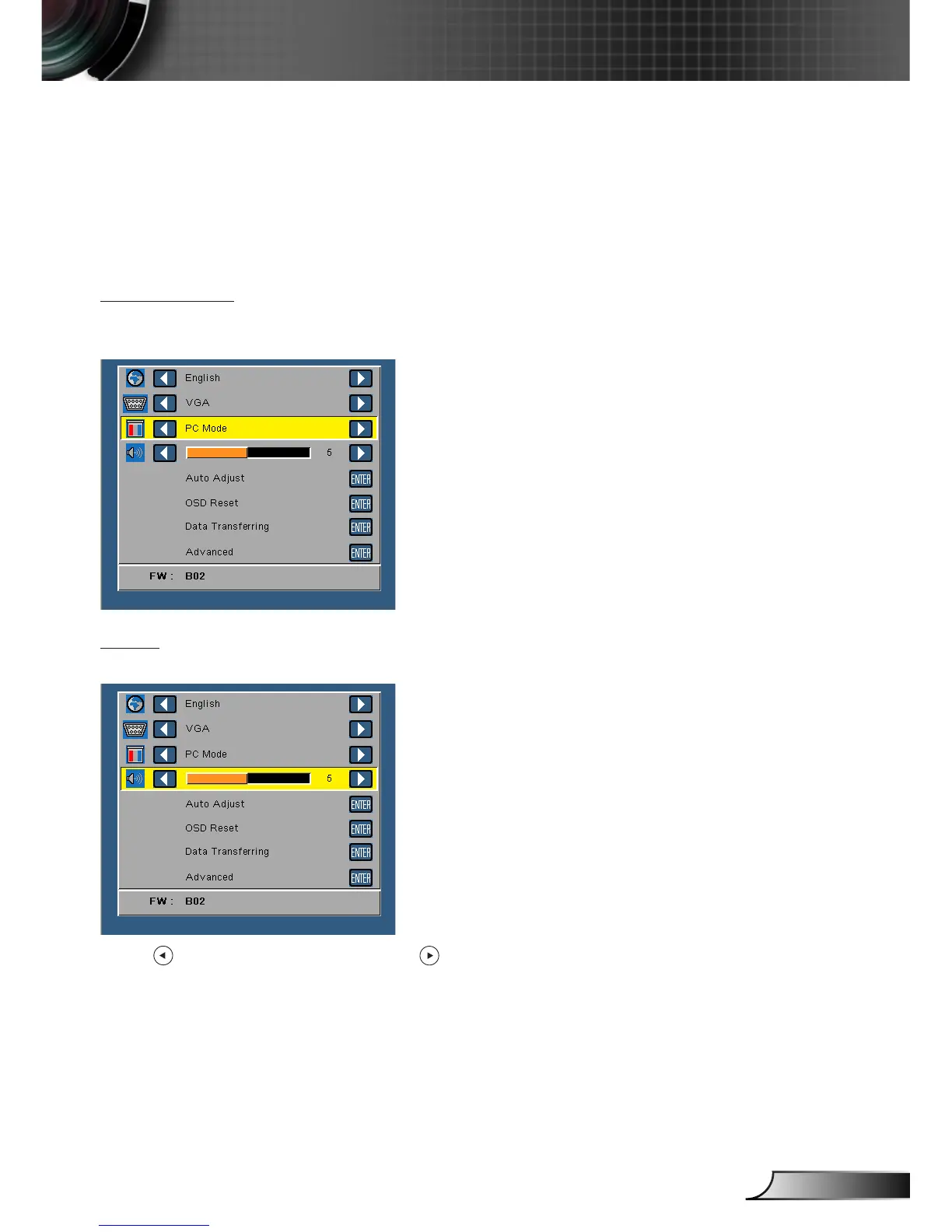
Display Mode
The Display Mode menu allows you to optimize the display image. The options are:
Bright, PC, Cinema, and Photo mode.
Audio
The Audio menu allows you adjust the volume setting of your projector.
Press to decrease the volume and to increase the volume.



 To Next Page