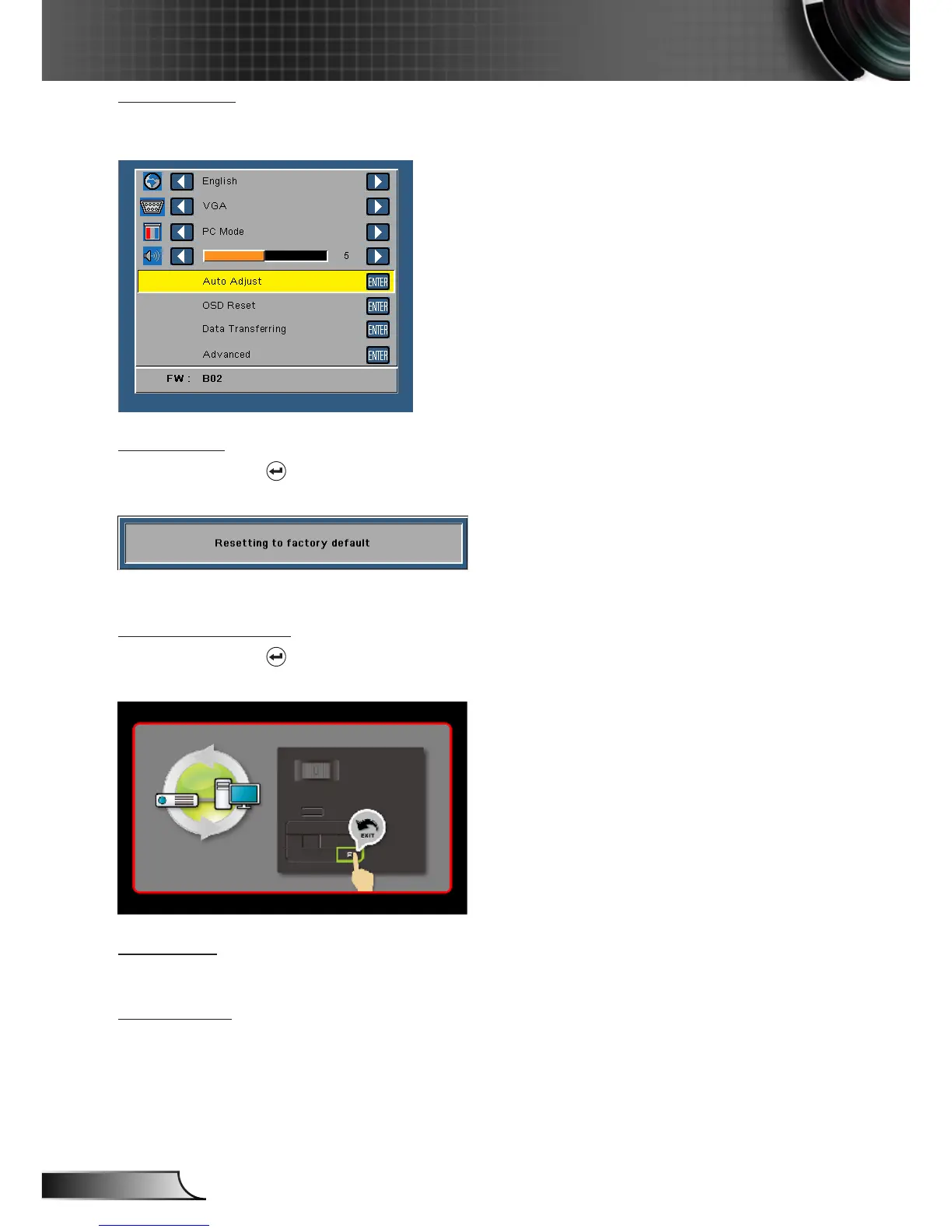
Auto Adjust
Auto Adjust automatically adjusts the projector's Horizontal Position, Vertical Posi-
tion, Frequency, and Tracking in VGA source (PC mode).
OSD Reset
Select and press to reset all settings to its factory default.
The below warning message appears:
Reset items include both computer sources and Video source settings.
Data Transferring
Select and press to action.
The below warning message appears:
Advanced
See “Advanced Menu” on pages 27~31.
FW Version
Display the current projector’s firmware version.



 To Next Page