35
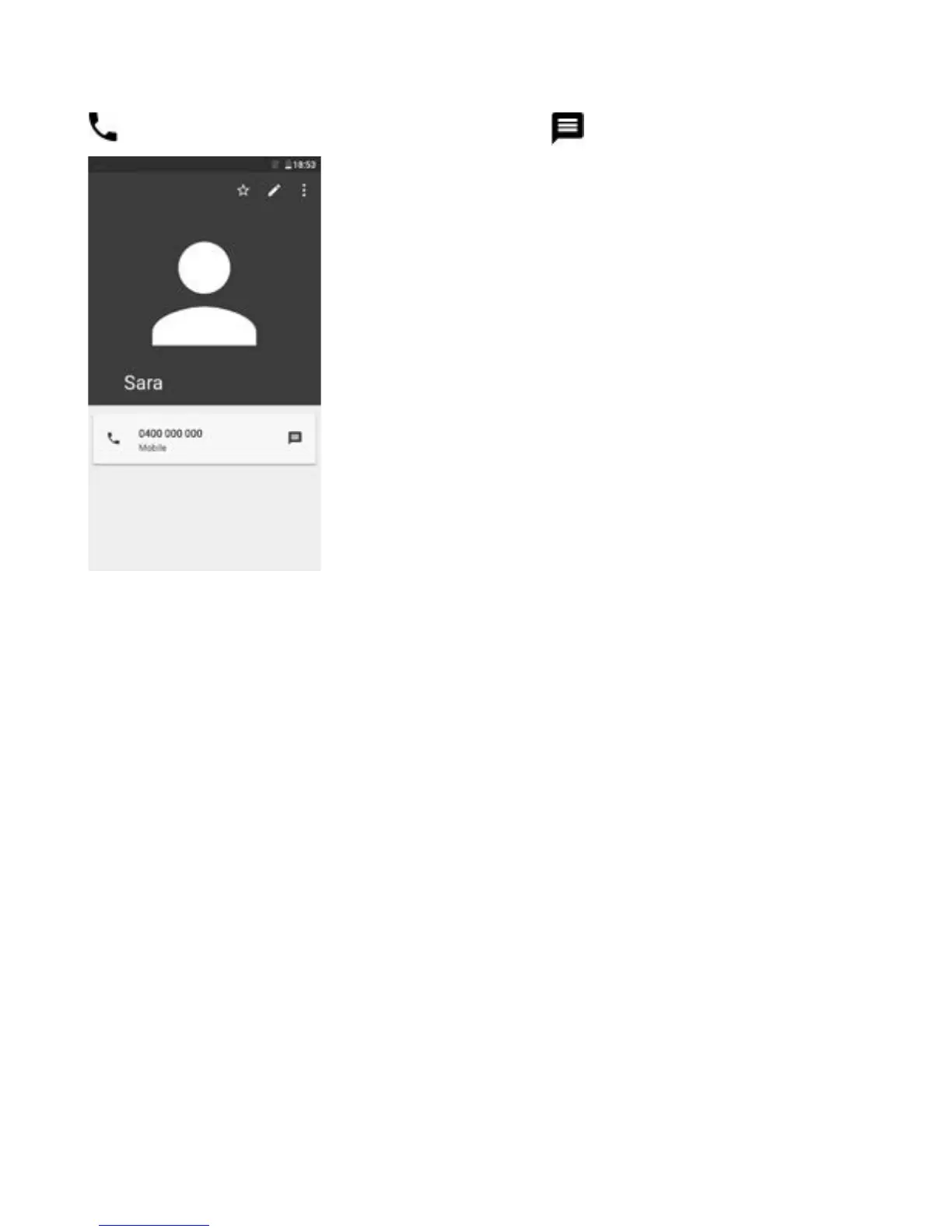
3.3.4 Use Quick contact for Android
Touch a contact to open Quick contact for Android, then you can touch
or the number to make a call, or touch to send a message.
The icons available on the Quick contact panel depend on the
information you have for the contact and the applications and accounts
on your phone.



 To Next Page