45
5 Calendar & Alarm clock &
Calculator
5.1 Calendar
Use Calendar to keep track of important meetings, appointments, etc.
To open Calendar, touch the Application tab
from the Home screen,
then touch Calendar.
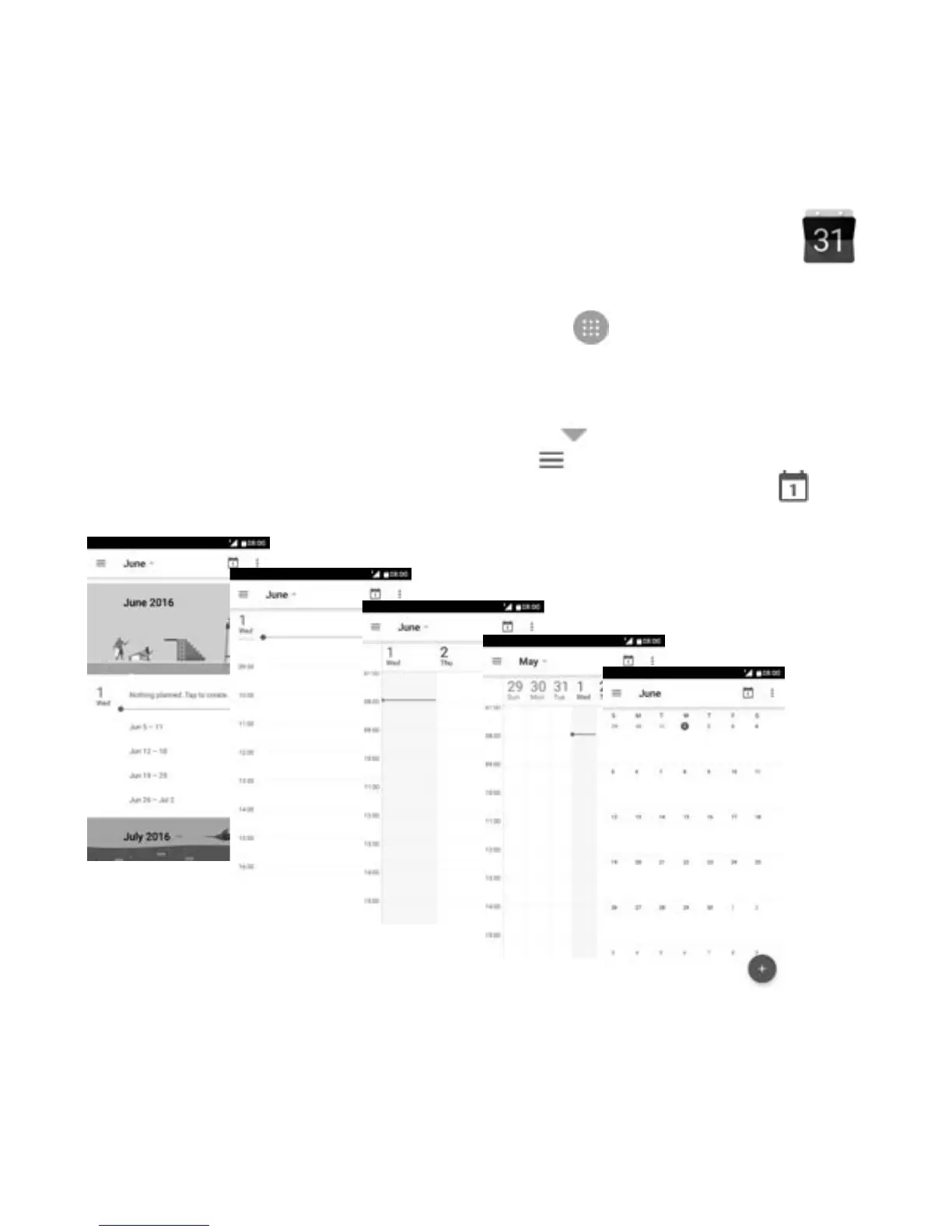
5.1.1 Multimode view
To change your Calendar view, touch the icon besides the month
title to open the month view, or touch
and select Schedule, Day,
3 Day, Week or Month to open different views. Touch the icon
(1)
to
return to Today’s view.
(1)
The number indicates the date.
Day view
Schedule view
Week view
Month
view
3-day view



 To Next Page