61
7.2 Gallery
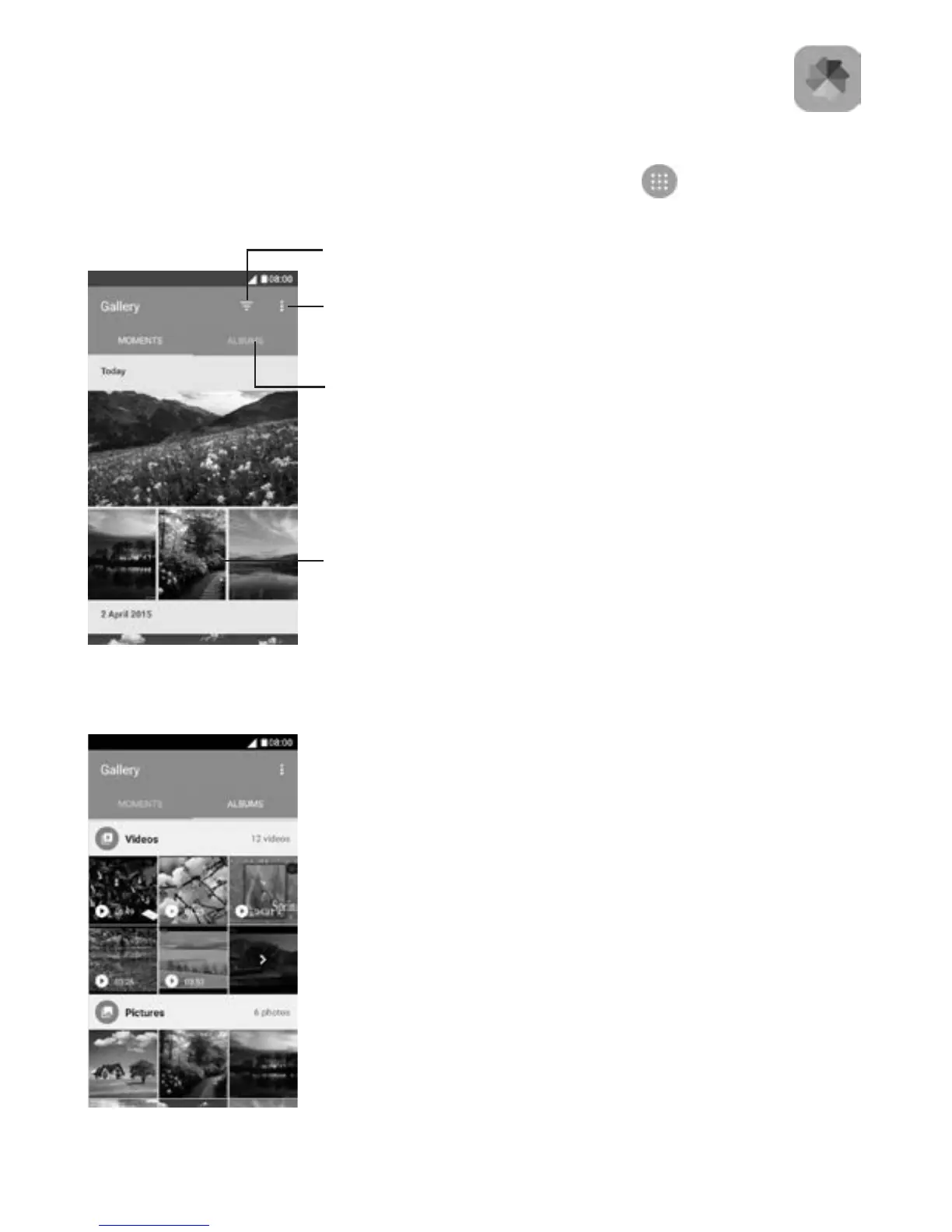
Gallery acts as a media player for you to view photos and play videos.
To open your Gallery, touch the Application tab
from the Home
screen, then touch Gallery.
To view a picture/play a video
Pictures and videos are displayed by albums in the Gallery.
Open options
menu
View in albums
Select to show
Photo, Video, or All
Swipe up or
down to view
more pictures
or albums



 To Next Page