40
Attach options:
Capture picture Open the Camera to make a new picture to attach.
Capture video
Open the Camcorder to record a new video to attach.
Record audio Enter the voice message recorder to record a
voice message to attach.
Contact Enter Contacts to select a contact as an attachment.
Pictures Open Gallery or File Manager to select a picture
as an attachment.
Videos Open Gallery or File manager to select a video as
an attachment.
Audio Touch to select an audio file as an attachment.
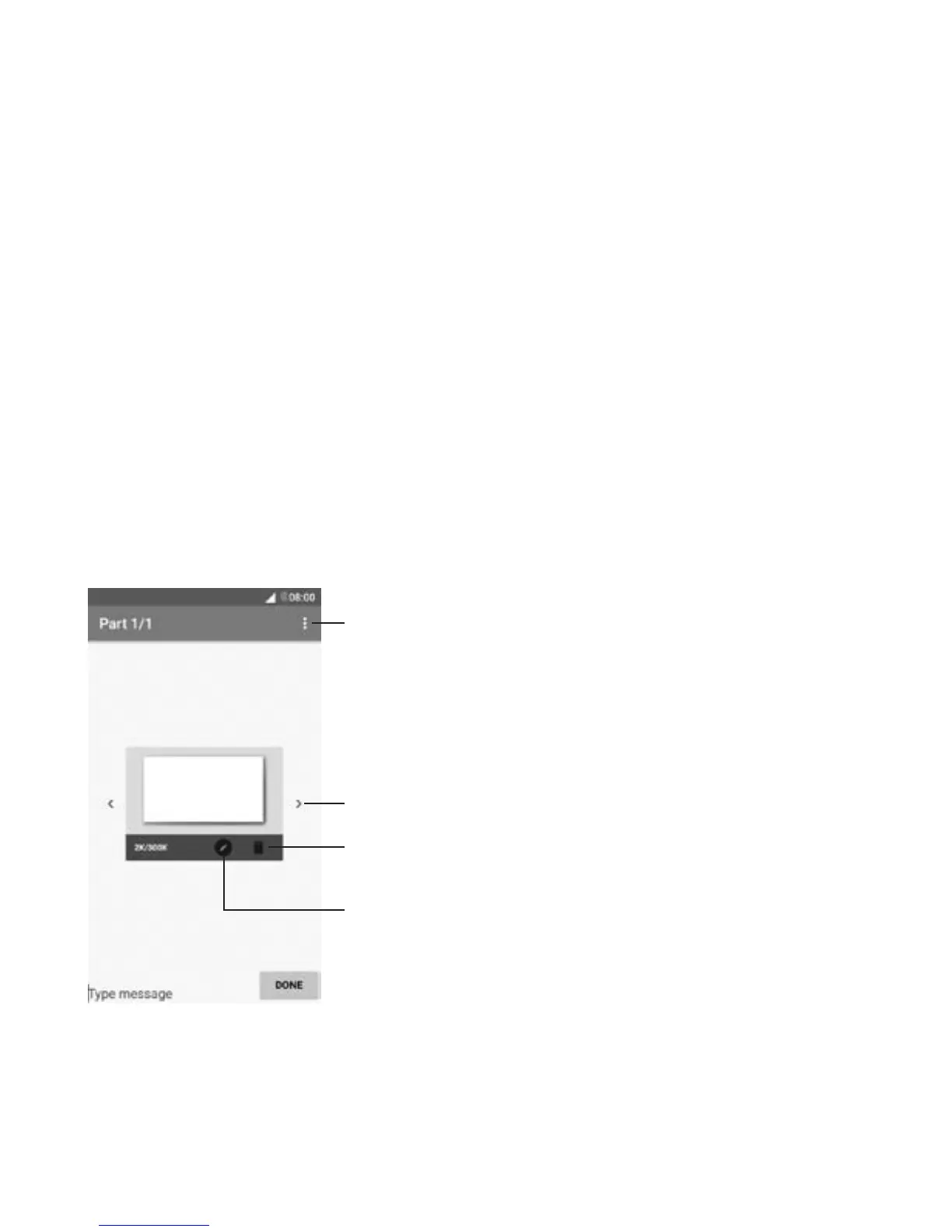
Slideshow Enter the slideshow editing screen, touch Add
slide to create a new slide, or touch an existing
slide to edit.
View other slides
Delete the slide
Open options menu
Edit the slide



 To Next Page