49
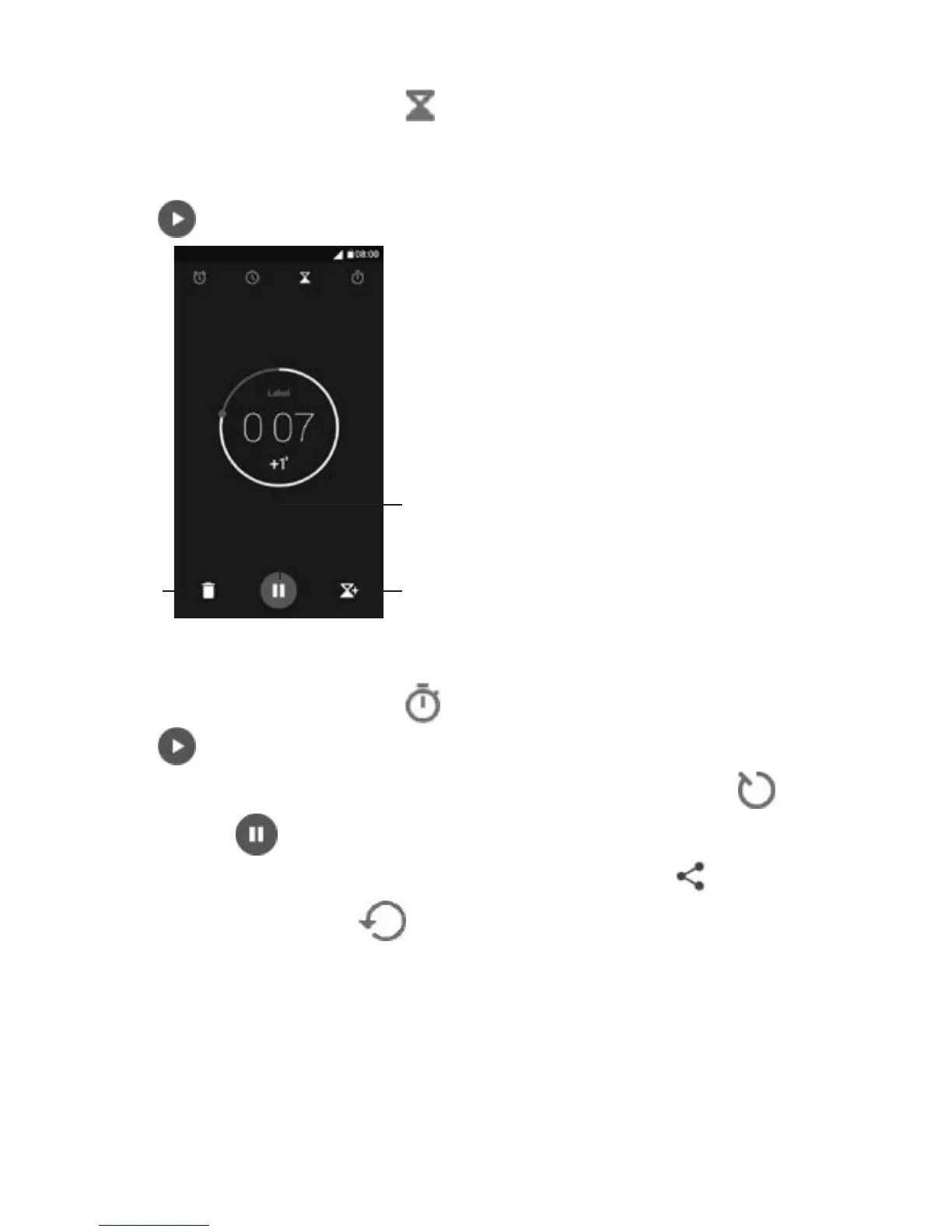
5.2.3 Countdown
From the Time screen, touch to enter the Countdown screen.
Touch the digits to set the countdown time. Type the time in hour,
minute and second number sequence.
Touch
to start the countdown.
5.2.4 Timer
From the Time screen, touch to enter the Timer screen.
Touch
to start the timer.
Show a list of records according to the updated time: Touch
.
Pause: Touch
.
Share the timer through Bluetooth, Gmail, etc.: Touch
.
Delete the record: Touch
.
Delete
Pause/play
Add a countdown



 To Next Page