64
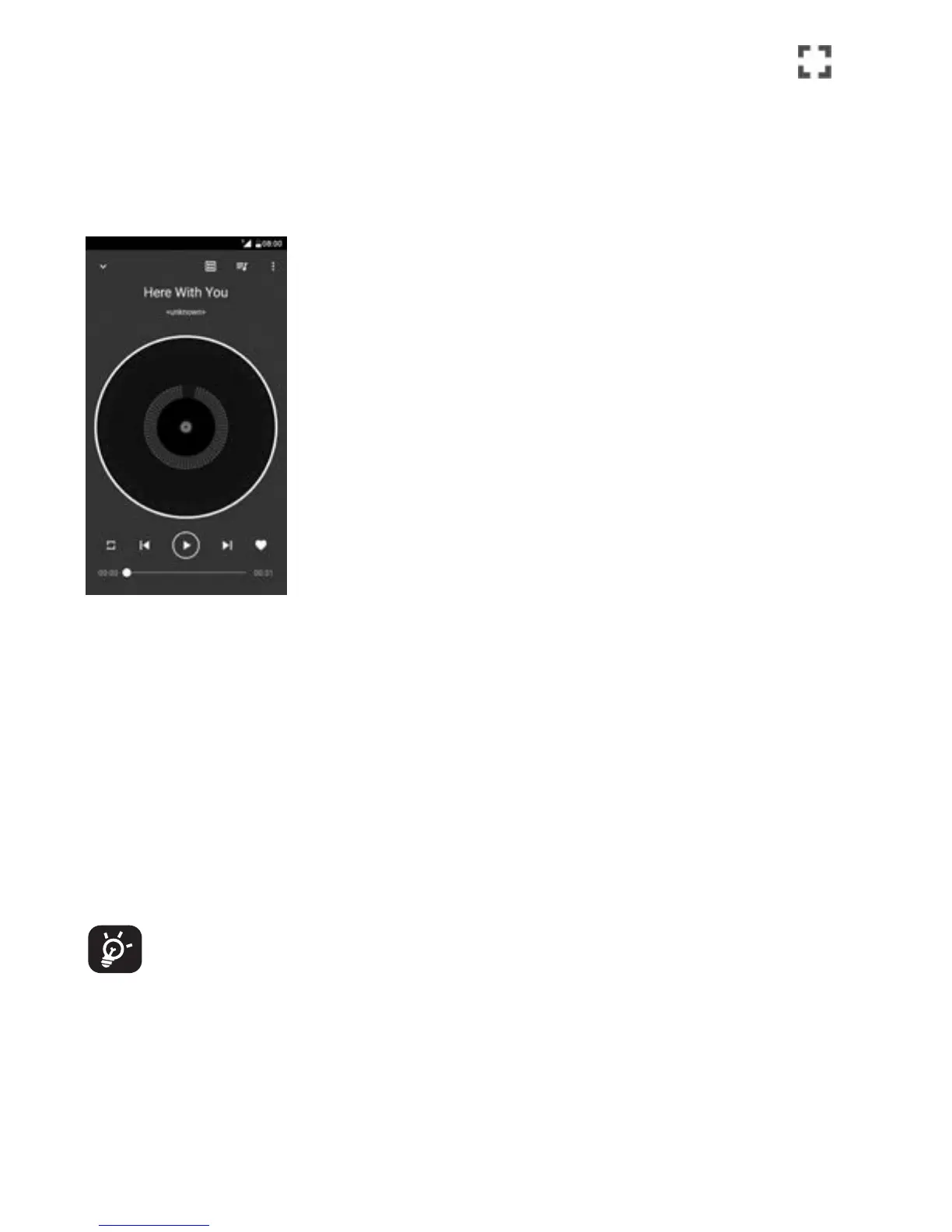
To play your music, touch Music from the Home screen. Touch
to
expand the Music screen.
You will find five categories in which all songs are classified: SONGS,
ALBUMS, ARTISTS, PLAYLISTS, GENRES. Touch their tabs to open the lists.
7.3.1 Playing music
Touch a song to play it.
Hide the play screen.
Touch to add a sound from the list.
Open the playing list.
Open options menu.
Touch the icon to switch repeart modes: Shuffle all, Repeating
current song, Repeating all songs, Repeat is off.
Return to the previous song.
Play/pause.
Skip to the next song.
Set as favourites.
While playing songs with Music you can still Pause, Play or Skip
your music even if the screen is locked.



 To Next Page