5
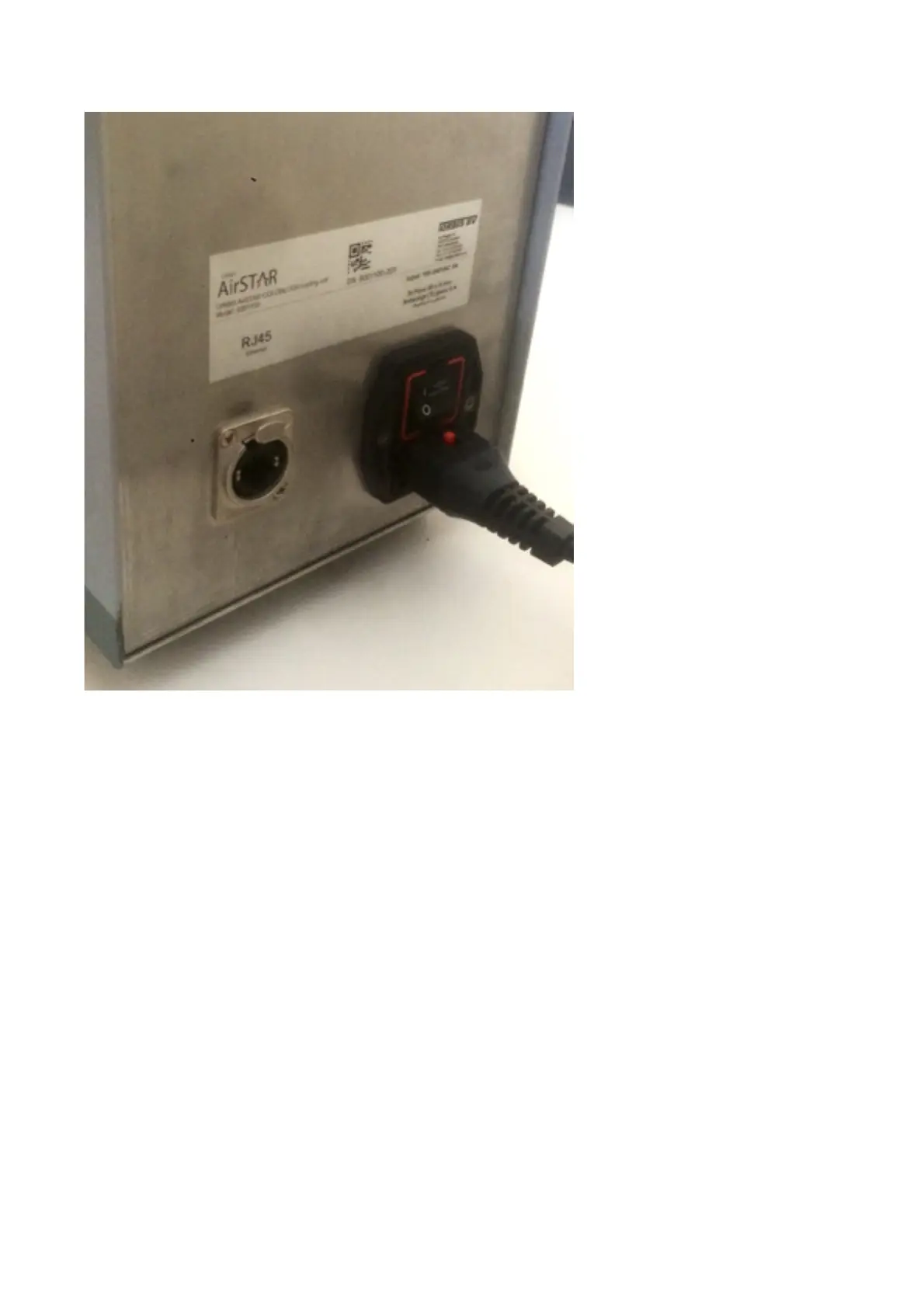
Image 3
1. Connect the unit to the mains power using the mains power cable. Connect
the instrument side of the cable to the mains connector.
2. When working with one AirSTAR unit and one Zebra printer or PC/Server,
connect both “clients” directly with network cable (image 4).
3. When working with multiple AirSTAR units, and/or connection with Zebra
printer or PC/Server is required, connect all “clients” in a local network using
a network hub (image 5).
4. Power up ColdBlock with the switch on the rear side of the unit
5. Switch on the iPad and unlock it (no passcode required from factory)
6. Setting up the internal wireless network and iPad connection settings:



 To Next Page