31
4.1 TASKS MENU
Accessible with User, Editor and Admin rights
4.1.1 Device and Results
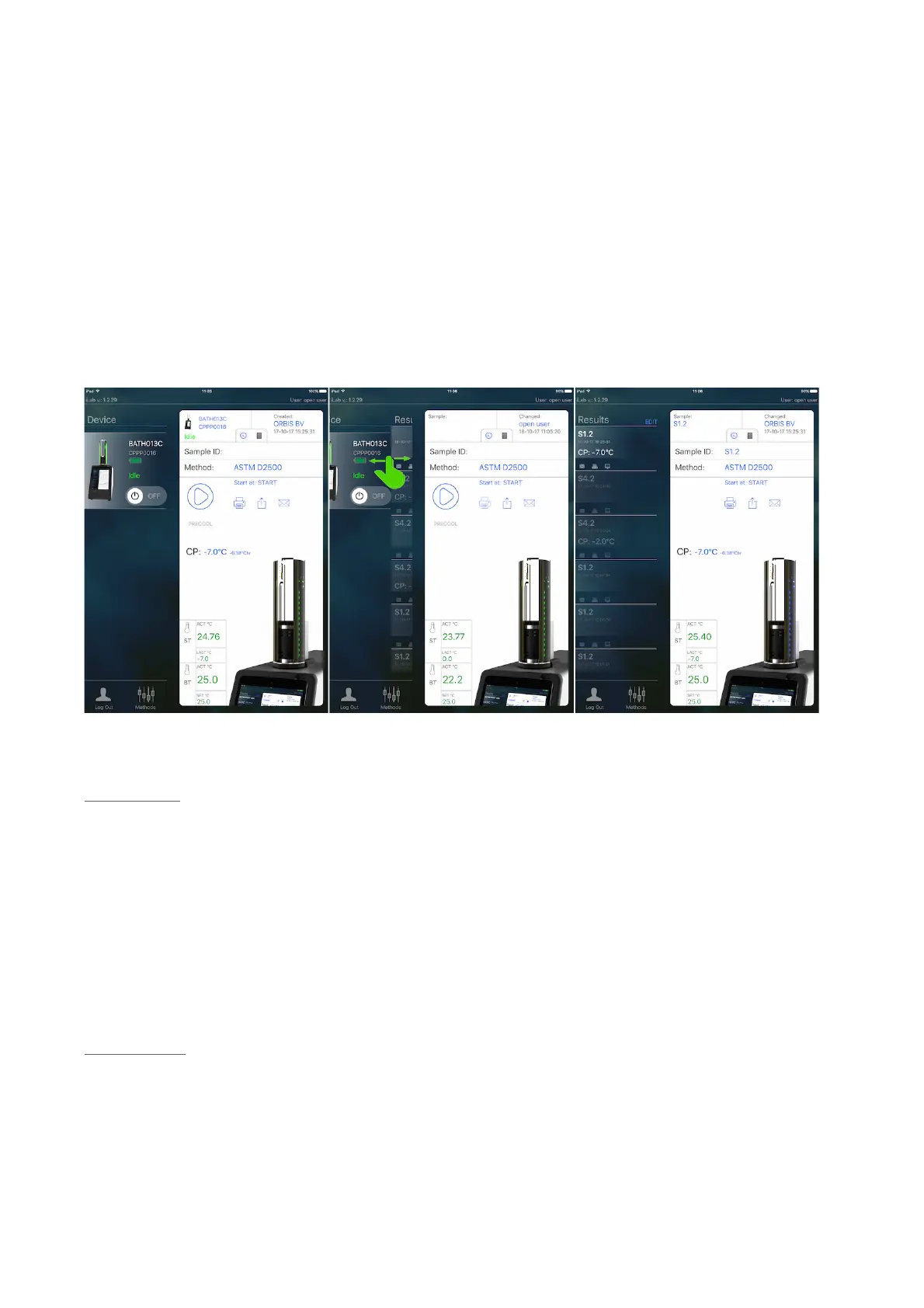
The Tasks menu consists of 2 sub menus: “Device” and “Results”. To switch
between the two, swipe as shown in below image.
1. Device:
In this (sub) menu a test can be started and monitored real-time. On the left
side of the screen all available test units are listed (which is one per iPad,
usually).
With the “on-off” button the ColdBlock cooling engine is switched on and off.
Instead of using the main power switch on the back of the instrument, this
button lets the ColdBlock go in standby mode.
2. Results:
In this (sub) menu the results of all finished tasks are listed, EXCEPT the last
finished task. That will stay in the Device menu until a new task is started. Only
then it will move to the Results menu.



 To Next Page