32
4.1.2 Status screen and report screen
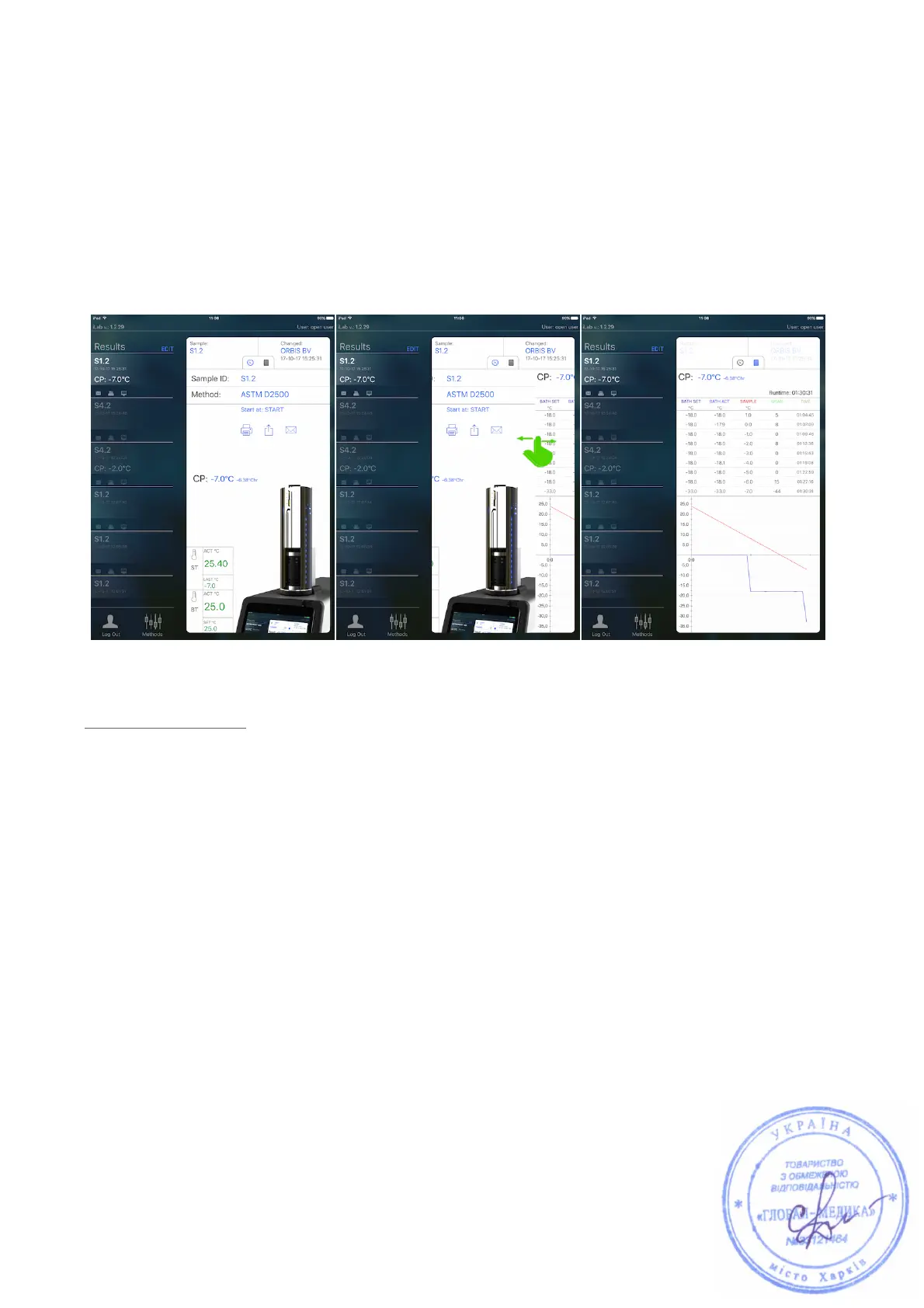
Both the Device and Results menu both consist of a Status screen and a Report
screen.
To switch between Status Screen and Report Screen, swipe as shown in below
image.
1. Status screen:
This screen allows for real time monitoring of a test and shows the relevant
parameters in accordance to the type of Head that is placed in the ColdBlock.
In case of a CFPP Head, the explanation of the 6 parameters in image 15 is:
1. Duration of last aspiration - flow up
2. Duration of last aspiration - flow down
3. ST. Actual sample temperature
4. ST. Sample temperature from last aspiration
5. BT. Actual bath temperature
6. BT. Bath temperature from last aspiration



 To Next Page