33
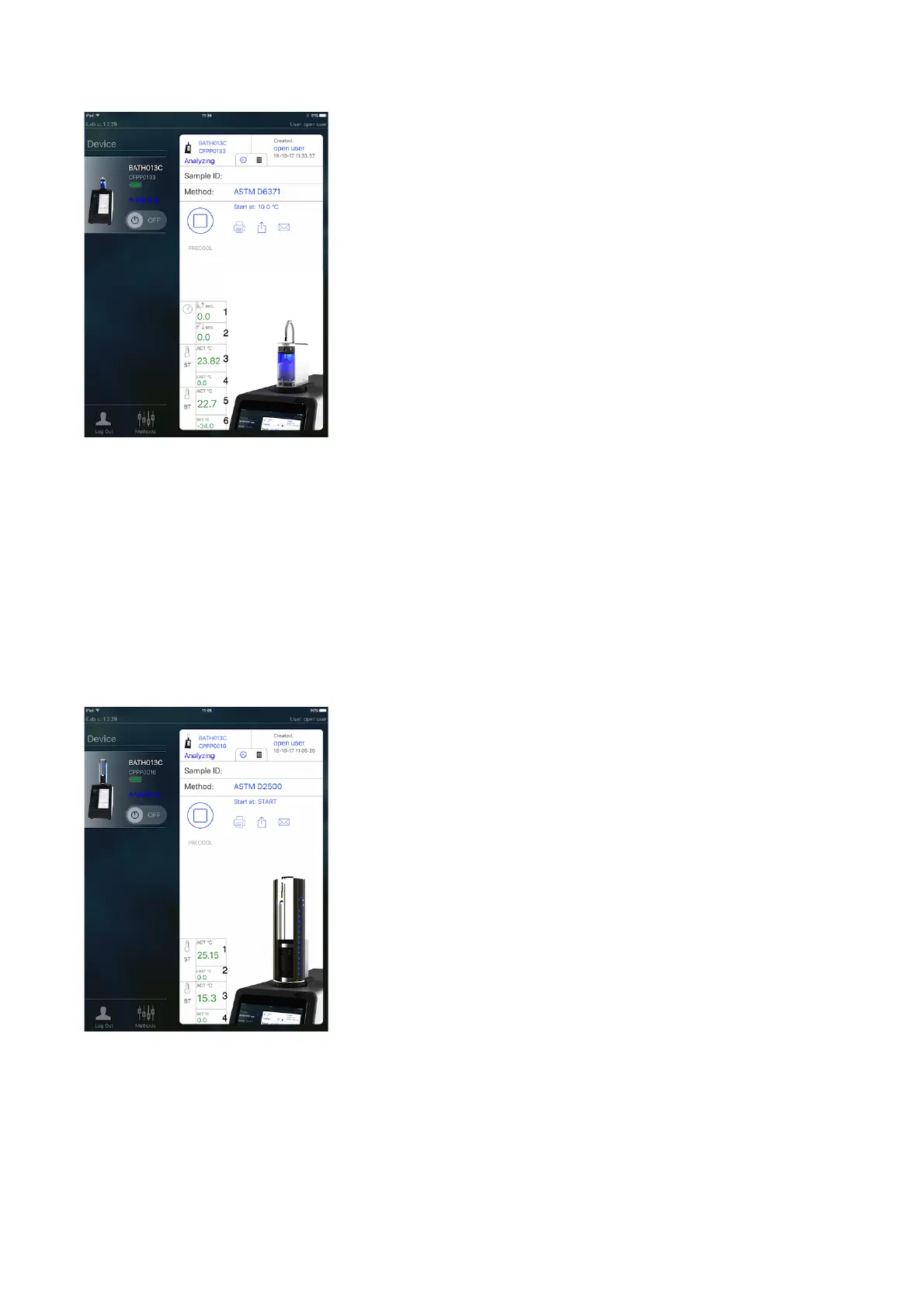
Image 15
In case of a CPPP Head, the explanation of the 4 parameters in image 16 is:
1. ST. Actual sample temperature
2. ST. Sample temperature from last measurement
3. BT. Actual bath temperature
4. BT. Bath temperature from last measurement
NOTE: Since Status screen is meant for real time monitoring, this screen is
mainly/only helpful when in the Device menu and during a test (and not so
much when in Results menu).



 To Next Page