74
TROUBLESHOOTING
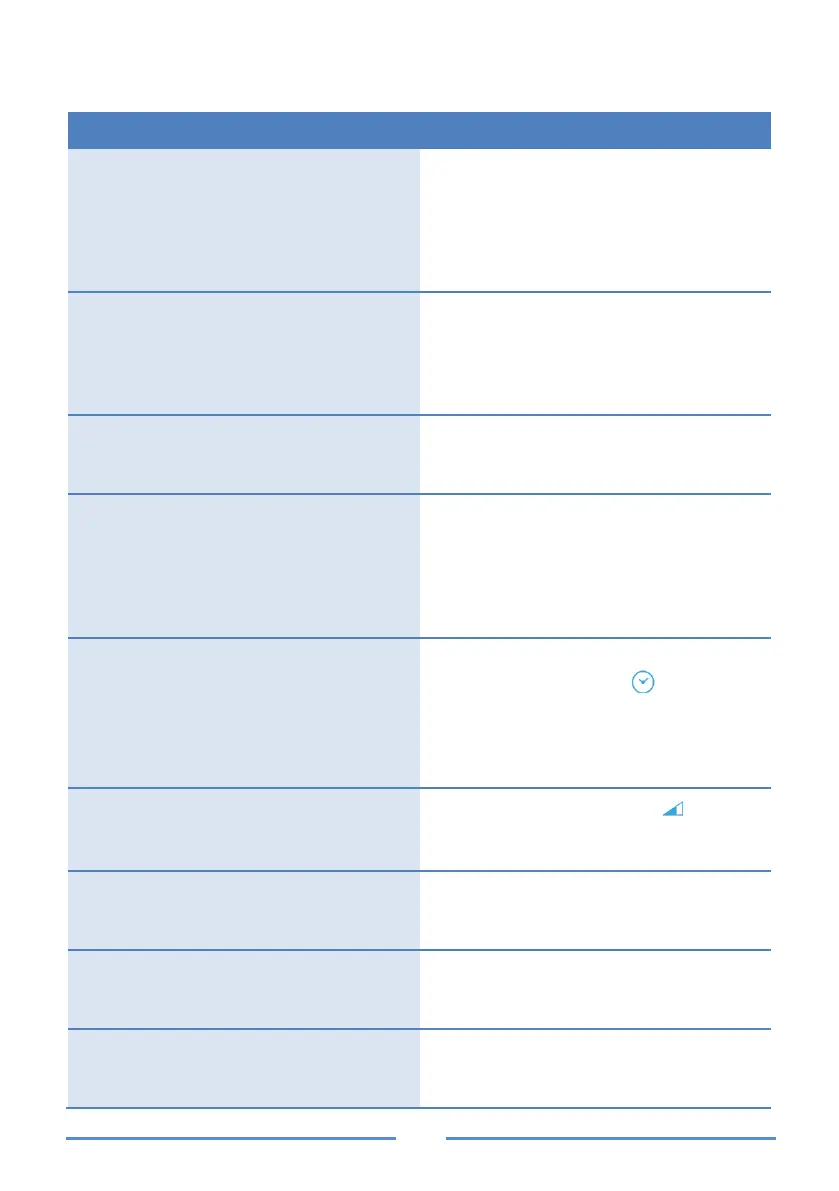
The charger is powered, and no
plug connected and with the light
indicators off.
Check the power according to the
connection scheme and that the
protections are activated.
Power down the charger, wait
approximately 10 seconds and
Charger connected to the vehicle,
the status bar is solid green and
does not charge.
There is no communication between
the vehicle and the charger.
Check the cable is correctly inserted
into the vehicle and charger.
Ensure cable is not damaged.
Charger connected to the vehicle,
the status bar is in flashing green
Check the list of authorized cards.
Charger connected to the vehicle,
the status bar is flashing green and
when you swipe the RFID card the
charger emits a “beep” and the
status bar lights up red and flashes
Check the list of authorized cards
Charger connected to the vehicle,
the status bar is in solid blue and
does not charge.
Check that there is no time schedule
on either the charger ( ) or the
vehicle.
The vehicle may be in standby
mode. Open the vehicle door to exit
Charger connected to the vehicle,
the status bar is in blue of varying
intensity and does not charge.
The load modulator icon ( ) is on;
the installation does not have
enough power to charge the vehicle.
Charger connected to the vehicle,
the status bar is in flashing blue
The vehicle has finished charging,
check that the battery is full or that
the vehicle has no time schedule.
Charger connected to the vehicle,
the status bar is solid red and
Error; turn off the charger from the
protections and switch back on.
Charger connected to the vehicle,
the status bar is solid white and
The charger is performing an update.
Wait until the update completed.


 To Next Page