Page
19
■ Input Page
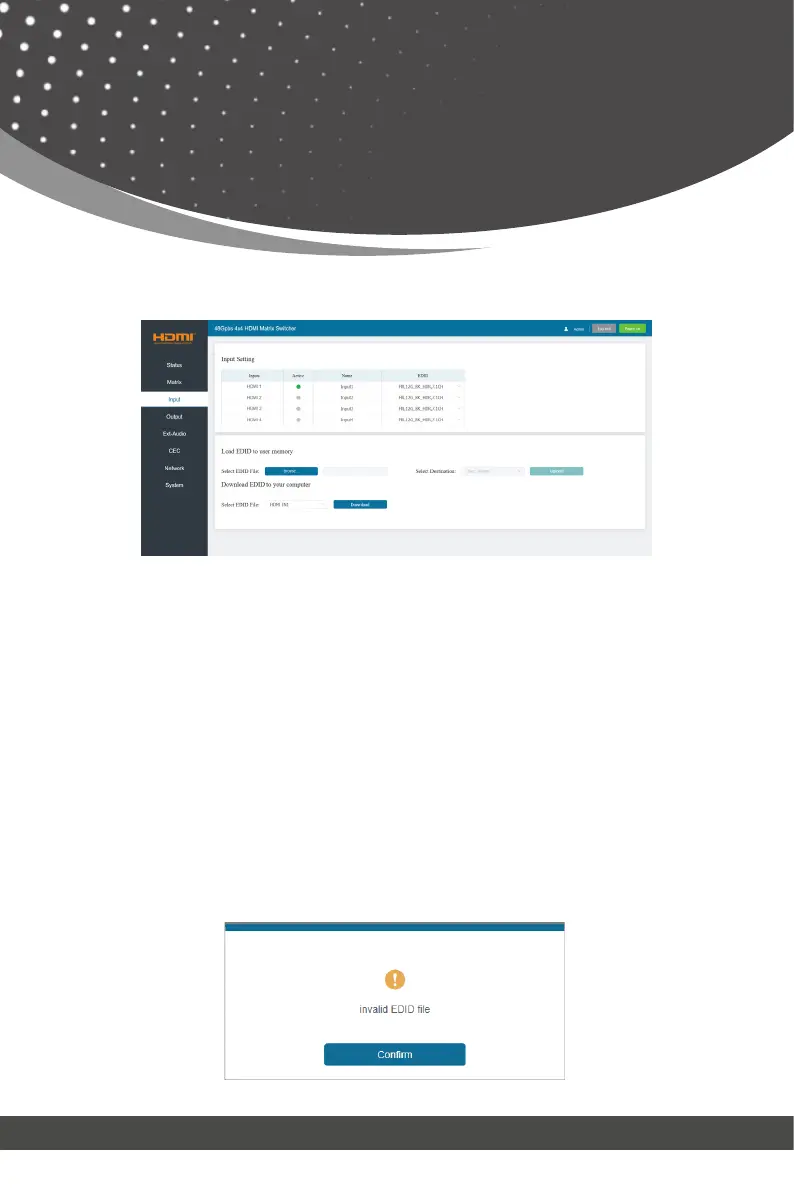
You can do the following operations on the Input page:
① Inputs: Input channel of the device.
② Active: It indicates whether the channel is connected to a signal source. It
is green if the input signal is detected, and gray if no signal.
③ Name: The input channel’s name. You can modify it by entering the corre-
sponding name (max length: 31 characters for English) in the input box.
④ EDID: You can set the current channel’s EDID. Click drop-down list to
select other EDIDs.
⑤ Load EDID to user memory: Set EDID for the User.
Web GUI User Guide
Click the “Browse” button, then select the bin file. If you select the wrong
EDID file, there will be a prompt, as shown in the following figure:



 To Next Page