Page
22
There are four options to be selected:
• Bypass (Default): It means the output resolution follows the input source.
• 8K -> 4K: Downscales any 8K signal to 4K.
• 8K/4K -> 1080P: Downscales any 8K/4K signal to 1080p.
• Auto (Follow Sink EDID): It means the output resolution is according to the
EDID of the corresponding display device.
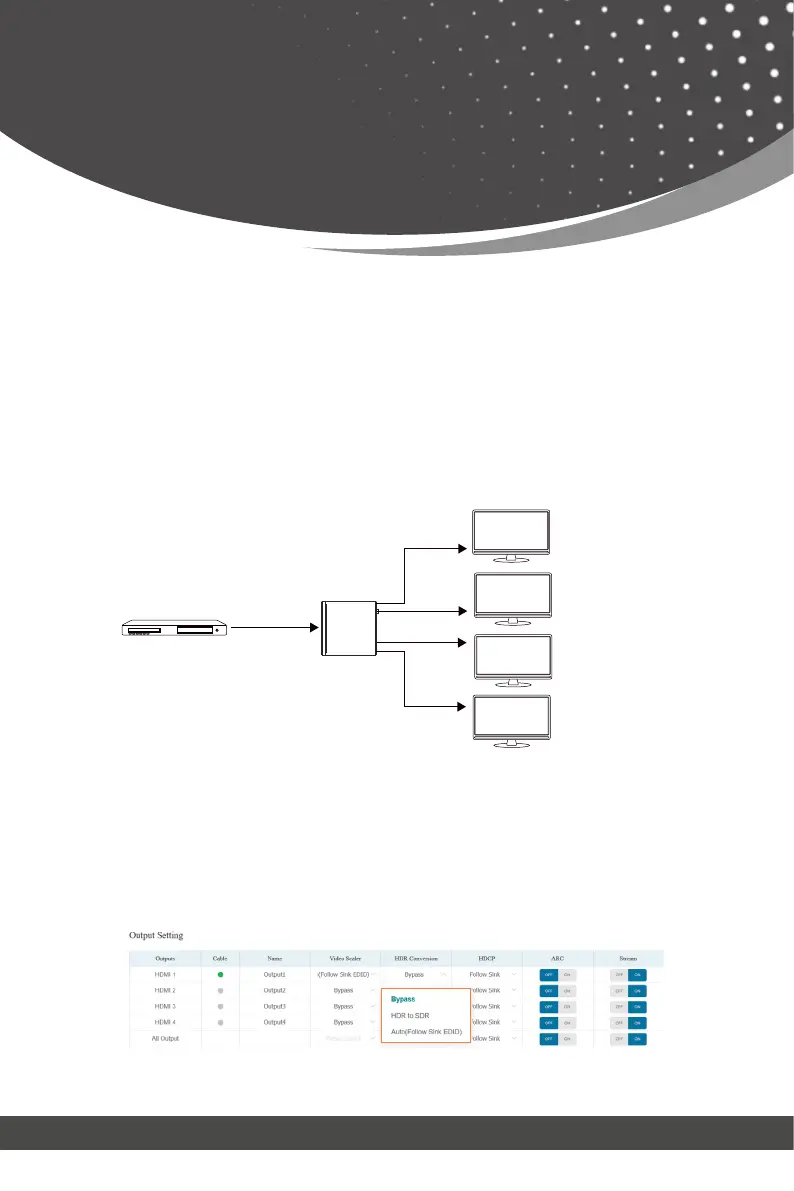
⑤ HDR Conversion: This product supports HDR to SDR convert on all
outputs. It will output the proper HDMI signal according to the EDID of the
display device, Click the drop-down menu and set the video HDR conversion
mode you need.
Web GUI User Guide
The example of video scaler is shown as below.
8K HDR
8K->4K
4K HDR
8K Source
4K HDR TV
Matrix
Auto
1080P HDR
1080P HDR
4K HDR TV
8K HDR TV
1080p HDR TV
Bypass
8K HDR
8K->1080p



 To Next Page