Page
23
There are three options to be selected:
• Bypass (Default): It means the output format follows the input source.
• HDR to SDR: Converts HDMI signals from HDR to SDR to meet the needs of
output.
• Auto (Follow Sink EDID): It means the output format is according to the
EDID of the corresponding display device.
The example of video scaler is shown as below.
8K HDR
Auto
8K Source
4K HDR TV
Matrix
Auto
4K SDR TV
8K SDR TV
1080p SDR TV
Bypass
8K HDR
8K HDR
8K SDR
8K SDR
HDR to SDR
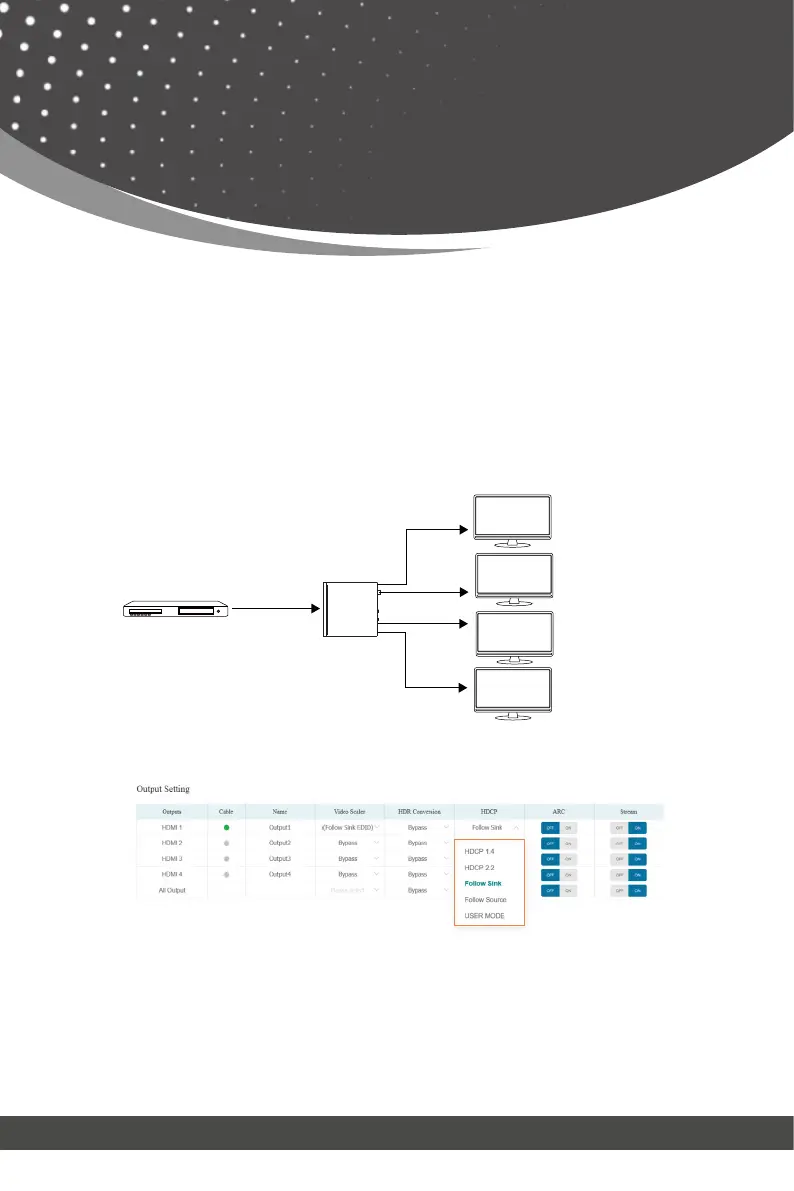
⑥ HDCP: Set the HDCP version that the current output port supports.
There are five options to be selected:
• HDCP 1.4: HDCP 1.4 compliant.
• HDCP 2.2: HDCP 2.2 compliant.
• Follow Sink: HDCP version follows the corresponding display device.
• Follow Source: HDCP version follows the assigned input source.
• USER MODE: Supports user-defined mode.
Web GUI User Guide



 To Next Page