Page
25
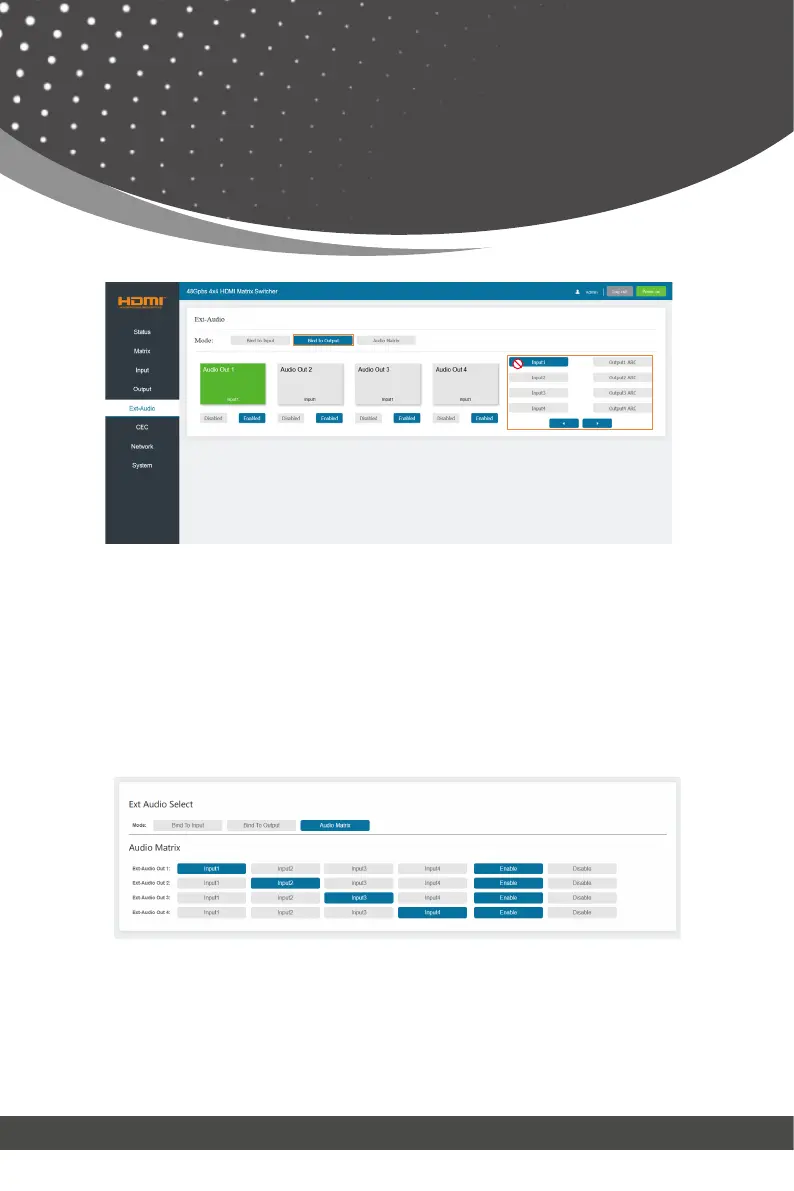
Audio Matrix: This mode allows you to matrix the extracted audio inde-
pendently. Click on an Audio Out, and then select any input source or ARC
audio on the right which will appear below the selected audio out. One route
of audio configuration is completed.
Click Enable/Disable button to turn on/off the corresponding audio channel.
■ CEC Page
You can perform CEC management on this page. Inputs and Outputs can be
controlled by clicking on the corresponding icons.
Web GUI User Guide



 To Next Page