Page
26
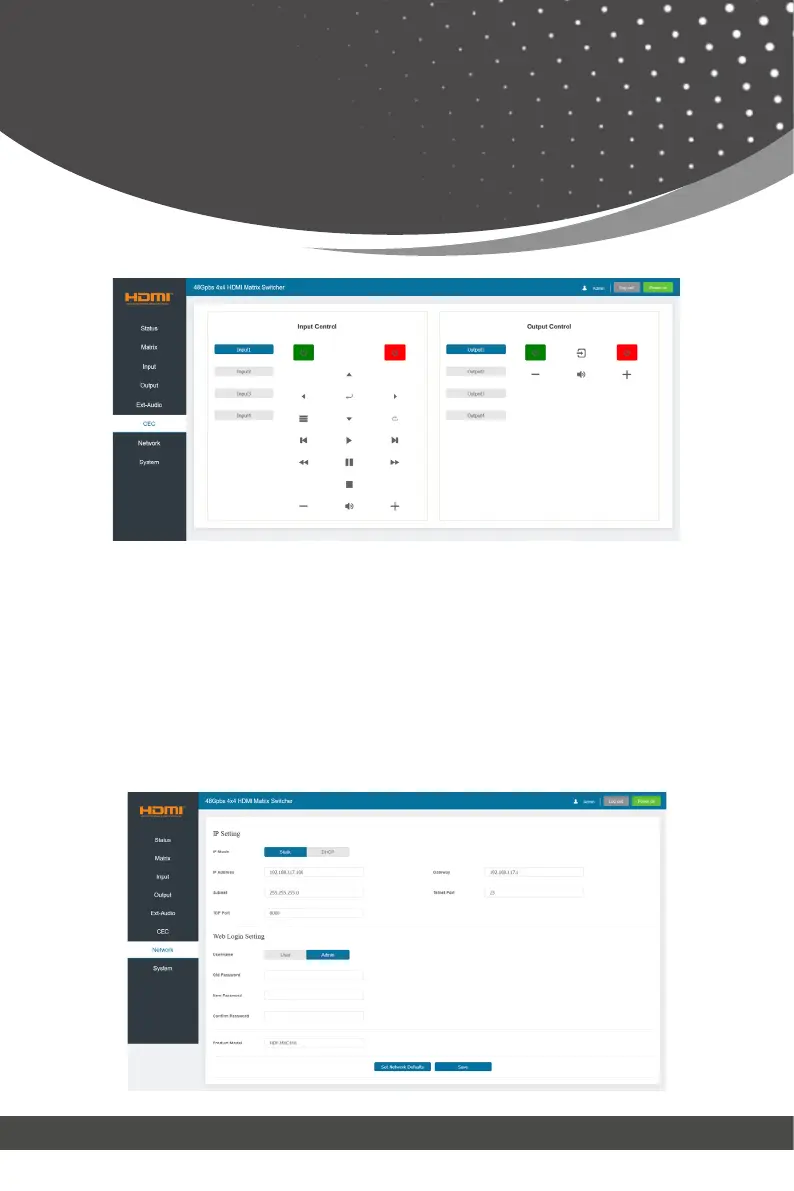
① Input Control: Select the input source on the left, and then click on the
icons to power on, power off, return, switch, pause, fast-forward, fast-back,
mute, unmute, etc.
② Output Control: Select the output on the left, and then click on the icons
to power on/off, volume +/-, etc.
Web GUI User Guide
■ Network Page



 To Next Page