Page
28
Note: Input rules for changing passwords:
(1) The password can’t be empty.
(2) New Password can’t be the same as Old Password.
(3) New Password and Confirm Password must be the same.
③ Set the Default Network:
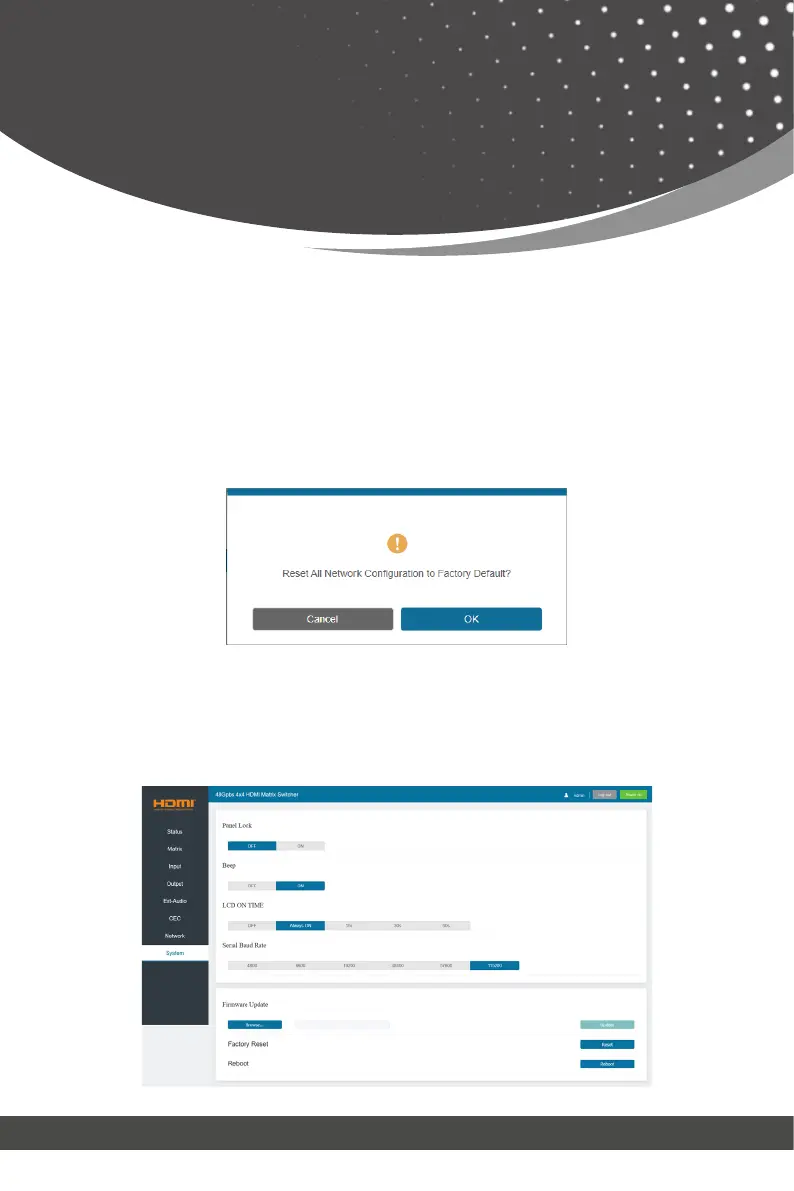
Click “Set Network Defaults”, there will be a prompt, as shown in the following
figure:
Click “OK” to search the IP Address again. After searching is completed, it will
switch to the login page, the default network setting is completed.
■ System Page
Web GUI User Guide



 To Next Page