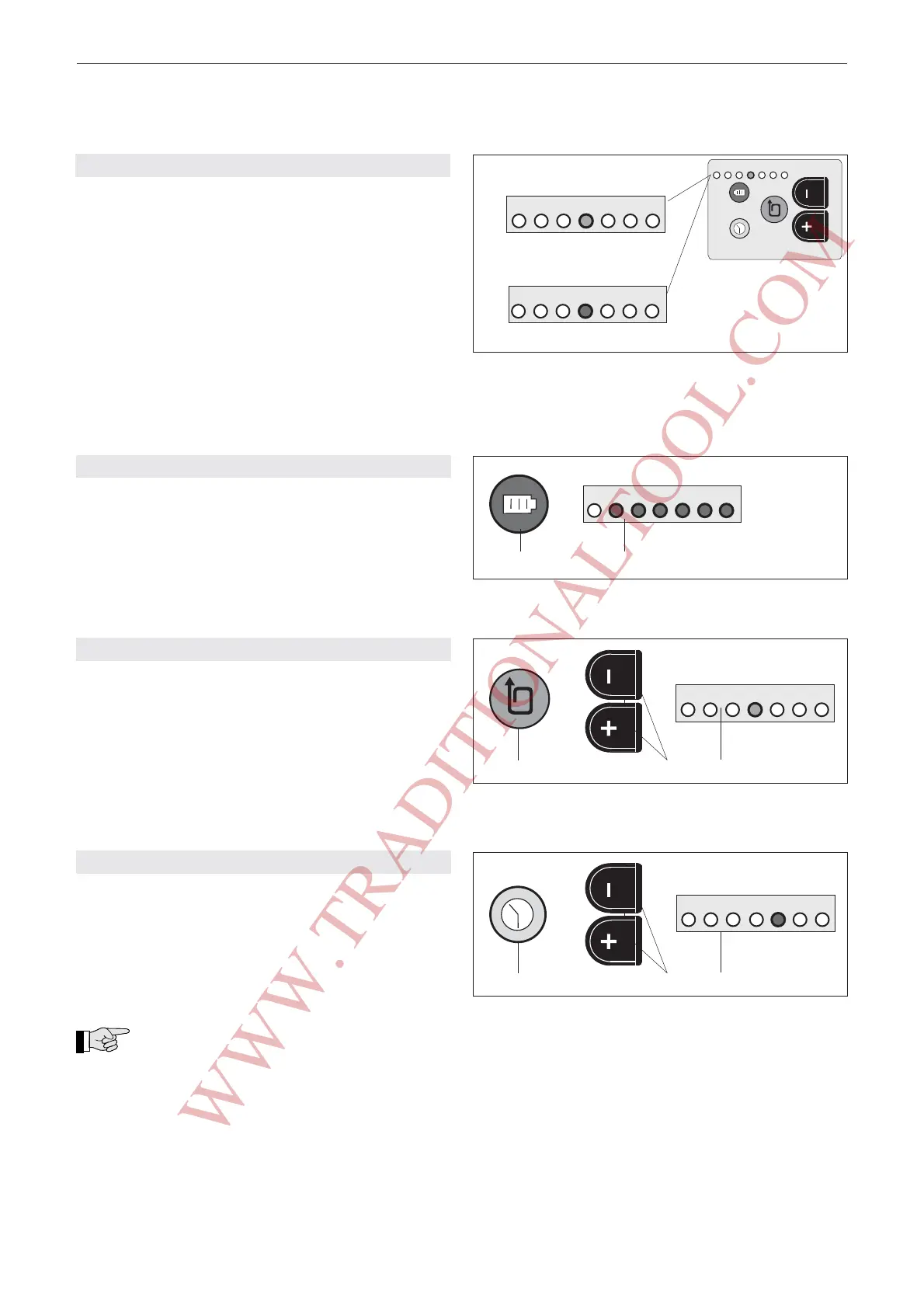
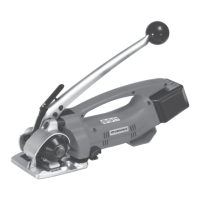
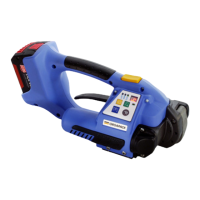
22
02.04/WE
ORGAPACK OR-T 200
6.3 OPERATING PANEL
a) Standard indication (green)
The current strap tension setting is monitored with
inserted and charged battery.
1 = minimum strap tension (approx. 400 N)
7 = maximum strap tension (approx. 1200/2000 N*)
* depending on strap tension range, refer to chapter
6.3.4.
– For adjustment of strap tension, refer to chapter
6.3.2.
b) Battery empty indication (red)
If the inserted battery is empty, the LED switches tored
and the battery must be charged, refer to chapter
5.3.
6.3.1 CHECKING BATTERY CHARGE
– Depress battery push button (14/1) briefly. Read off
battery charge on LED indicator (14/2).
1 = minimum charge (battery must be charged
soon)
1–7 = maximum battery charge
6.3.2 SETTING STRAP TENSION
– Depress strap tension push button (15/1) briefly
until LED indicator (15/3) flashes.
– Depress – or + push button (15/2) until flashing
LED indicator shows required strap tension (wait two
seconds until new setting is saved).
. 1 = minimum strap tension (ca. 400 N)
7 = maximum strap tension (ca. 1200/2000 N*)
* refer to Chapter 6.3.4.
6.3.3 SETTING WELDING TIME
– Depress welding time push button (16/1) briefly
until LED indicator (16/3) flashes.
– Depress – or + push button (16/2) until flashing
LED indicator shows required welding time (wait two
seconds until new setting is saved).
1 = minimum welding time
7 = maximum welding time
The welding time for PET straps is longer
than for PP straps.
Fig. 14
7
6
5
4
3
2
1
max. min.
red
1 2
Fig. 15
1
2
7
6
5
4
3
2
1
green
max. min.
3
Fig. 16
1
2
red
max. min.
3
7
6
5
4
3
2
1
Fig. 13
7
6
5
4
3
2
1
a) Standard indication
green
red
b) Battery empty indication
max. min.
7
6
5
4
3
2
1
7
6
5
4
3
2
1
Sales and Service 877-862-6699
WWW.TRADITIONALTOOL.COM


 To Next Page